Generate images
These models generate images from text prompts. Here, you can find the latest state-of-the-art image models that fit your use case.
Models we recommend
Best overall
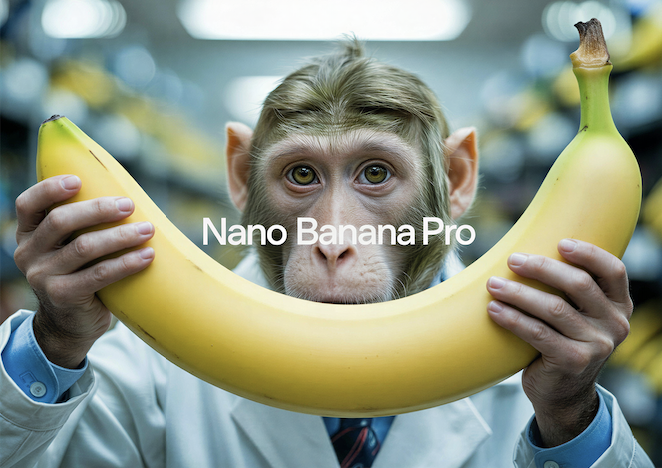
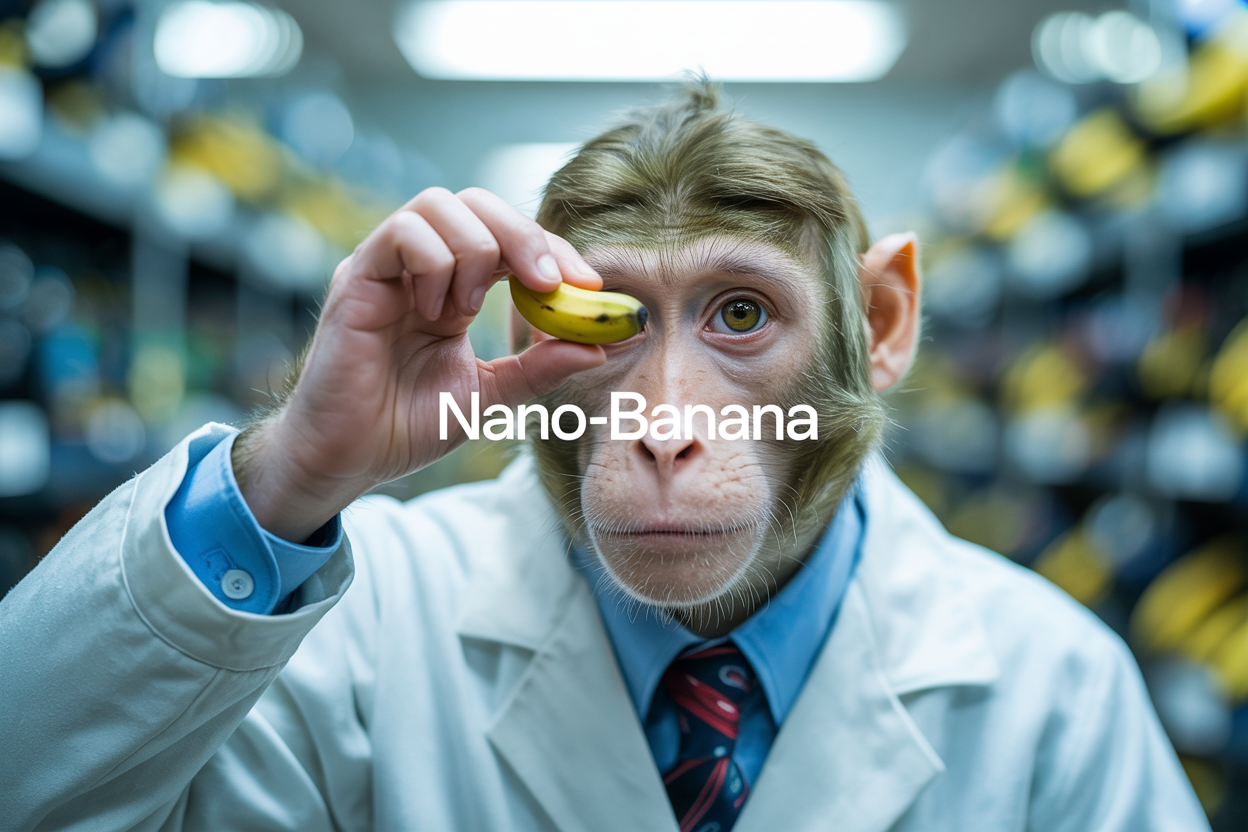
Nano Banana 2 from Google is the strongest all-around image generation model right now. It's fast, handles multi-image fusion (up to 14 images), renders text accurately in multiple languages, and does conversational editing. Great for everything from quick prototypes to production workflows. Nano Banana Pro adds Gemini 3 Pro reasoning, Google Search grounding, and 4K output for more complex tasks.
GPT Image 1.5 from OpenAI is close behind — it follows complex prompts accurately, renders readable text, and handles everything from photorealistic scenes to infographics and UI mockups. It also works as an image editor — make targeted changes while preserving everything else. Requires an OpenAI API key.
For photorealism and cinematic quality
FLUX.2 Max from Black Forest Labs delivers the highest fidelity in the FLUX family. It excels at product photography, character consistency across batches (up to 8 reference images), and precise color control via hex codes. Great for e-commerce, fashion, and any workflow where consistency matters.
FLUX.2 Pro offers similar capabilities at a lower price. It supports structured JSON prompting for precise control over camera angle, lighting, and composition, and handles up to 8 reference images. A good choice for high-volume production work.
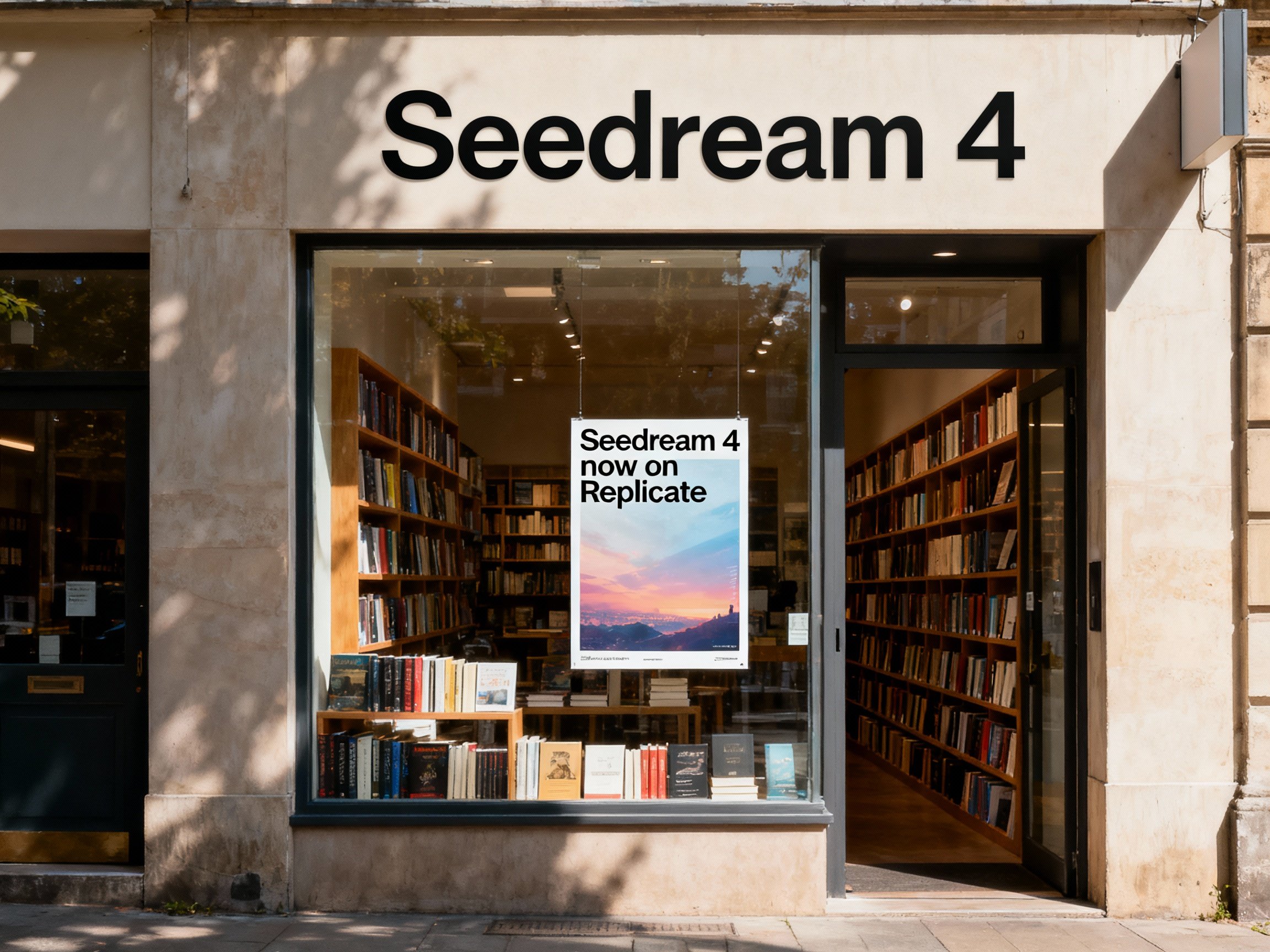
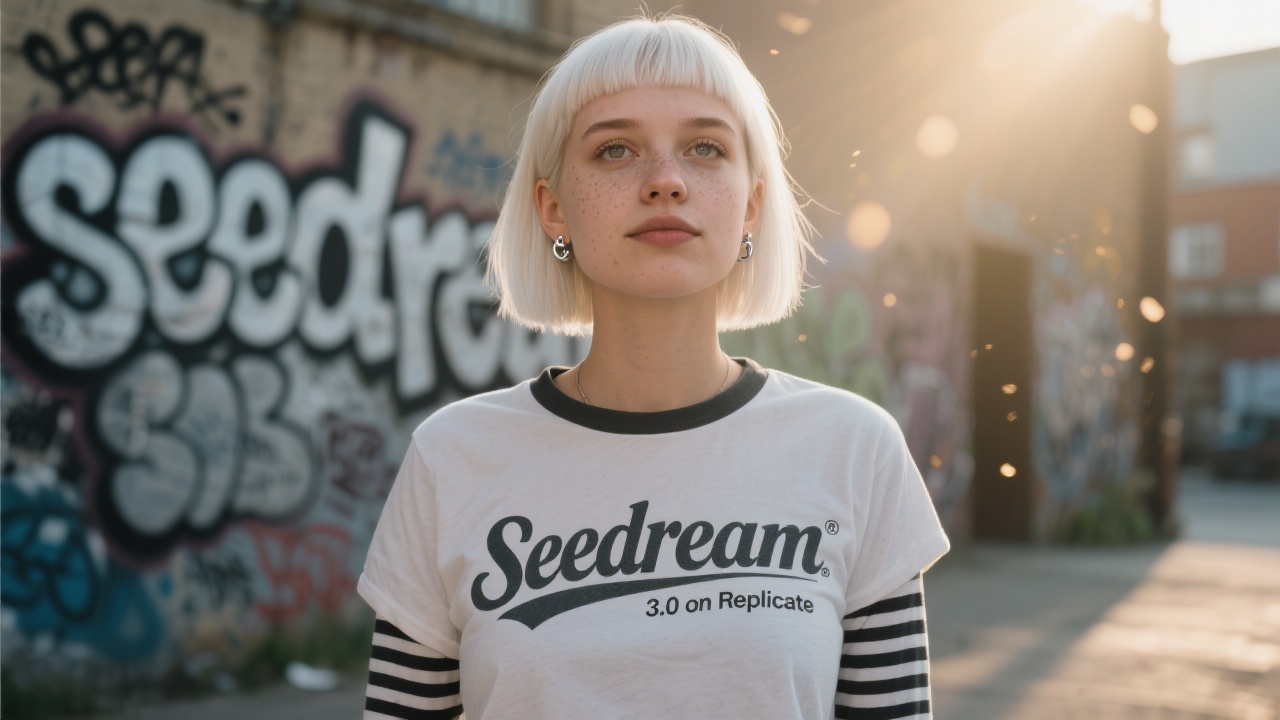
Seedream 5 from ByteDance produces film-like visuals with cinematic aesthetics, refined lighting, and strong spatial understanding. Particularly good at realistic proportions and structured environments. Supports up to 4K resolution with batch and multi-reference generation.
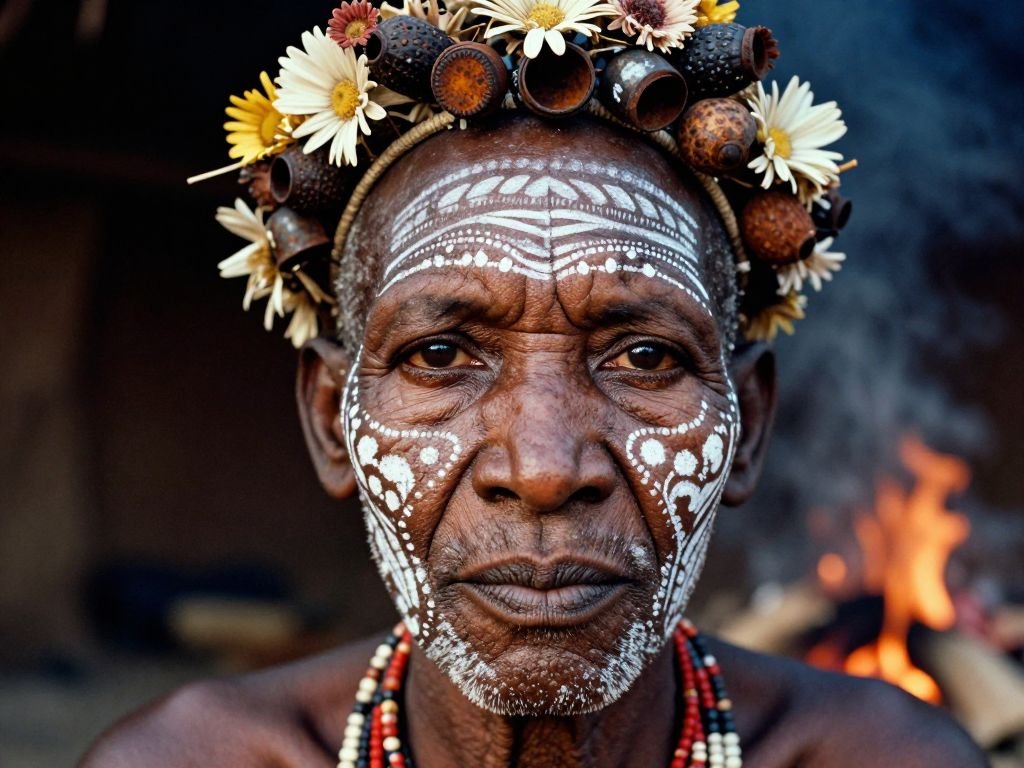
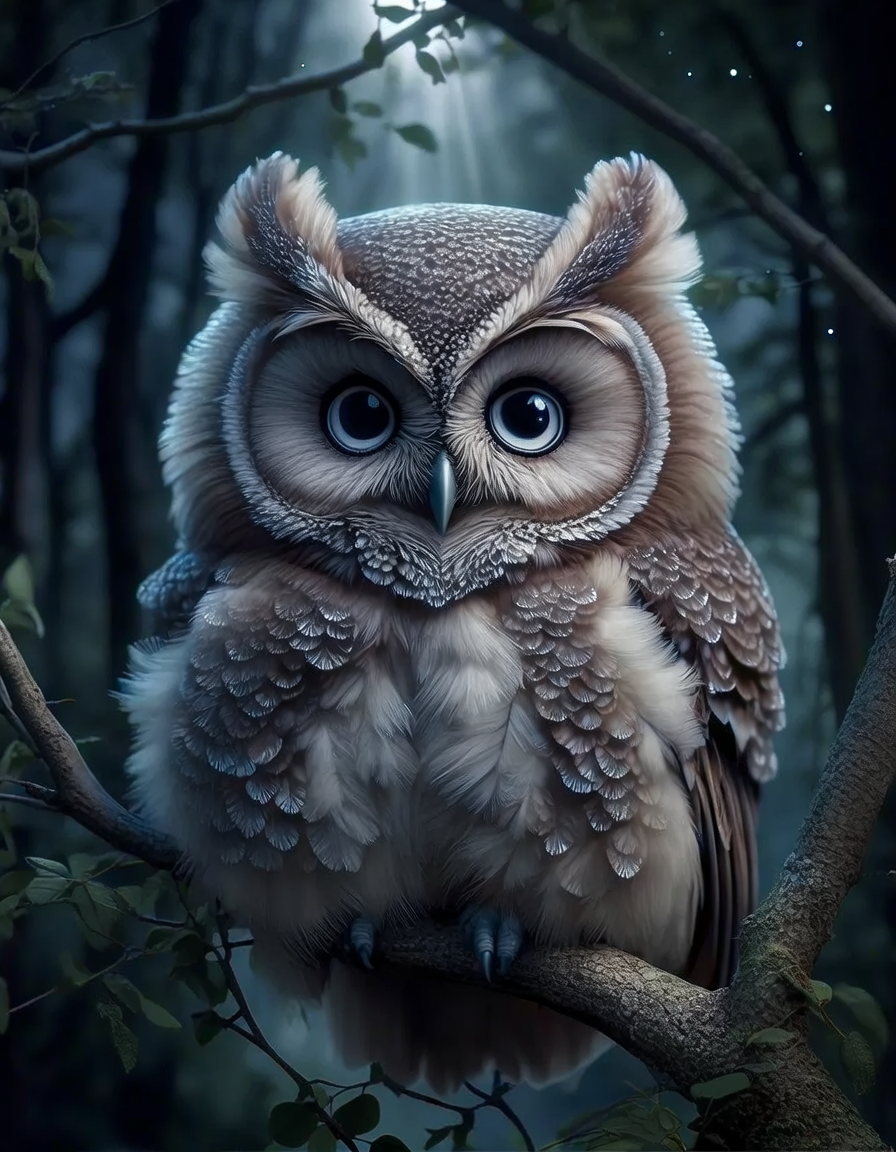
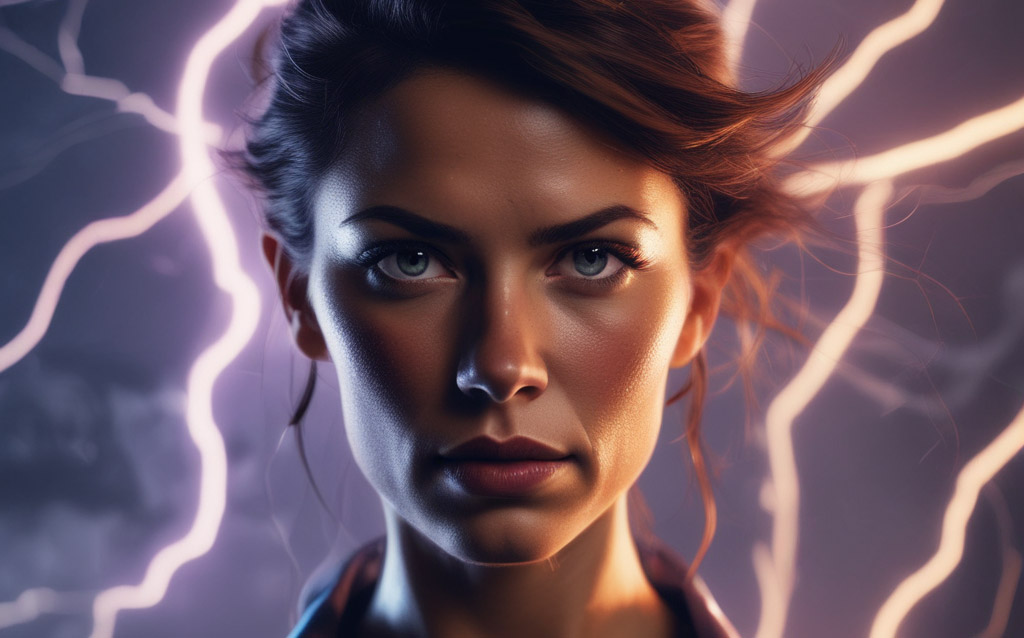
Imagen 4 Ultra from Google renders the finest details — skin texture, individual strands of hair, fabric weave, water droplets. Use it when quality matters more than speed. Supports up to 2K resolution.
For reasoning and domain knowledge
Seedream 5 Lite from ByteDance is the newest generation with built-in multi-step reasoning. It understands spatial relationships, physics, and professional conventions across architecture, science, health, and design. Supports example-based editing, multi-image blending (up to 14 references), and up to 3K resolution. Good for complex prompts that require the model to think through what it's generating.
For cinematic character rendering and moody aesthetics
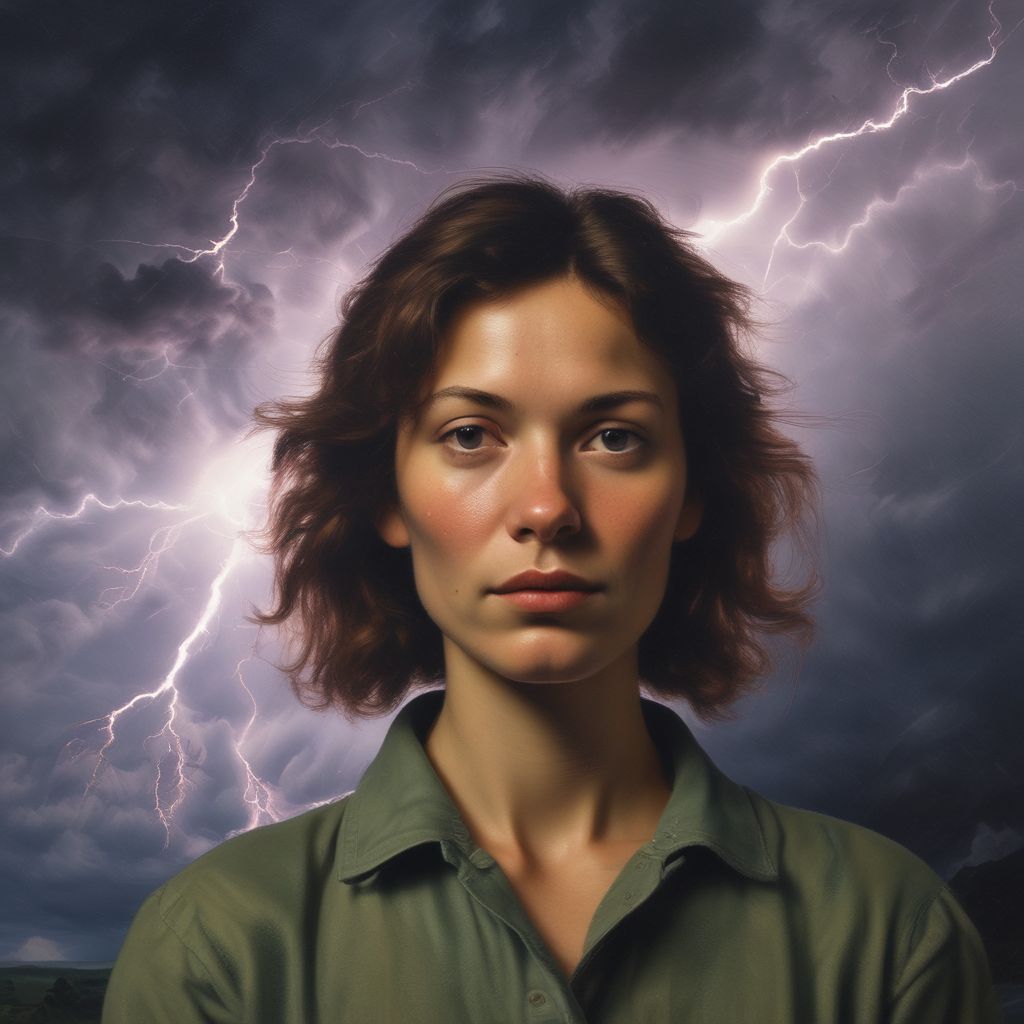
Grok Imagine Image from xAI has a distinctive visual style — strong at cinematic character rendering with facial consistency, moody aesthetics with dramatic contrast, and retro anime looks. Renders readable text well. Also supports image editing.
For typography and design work
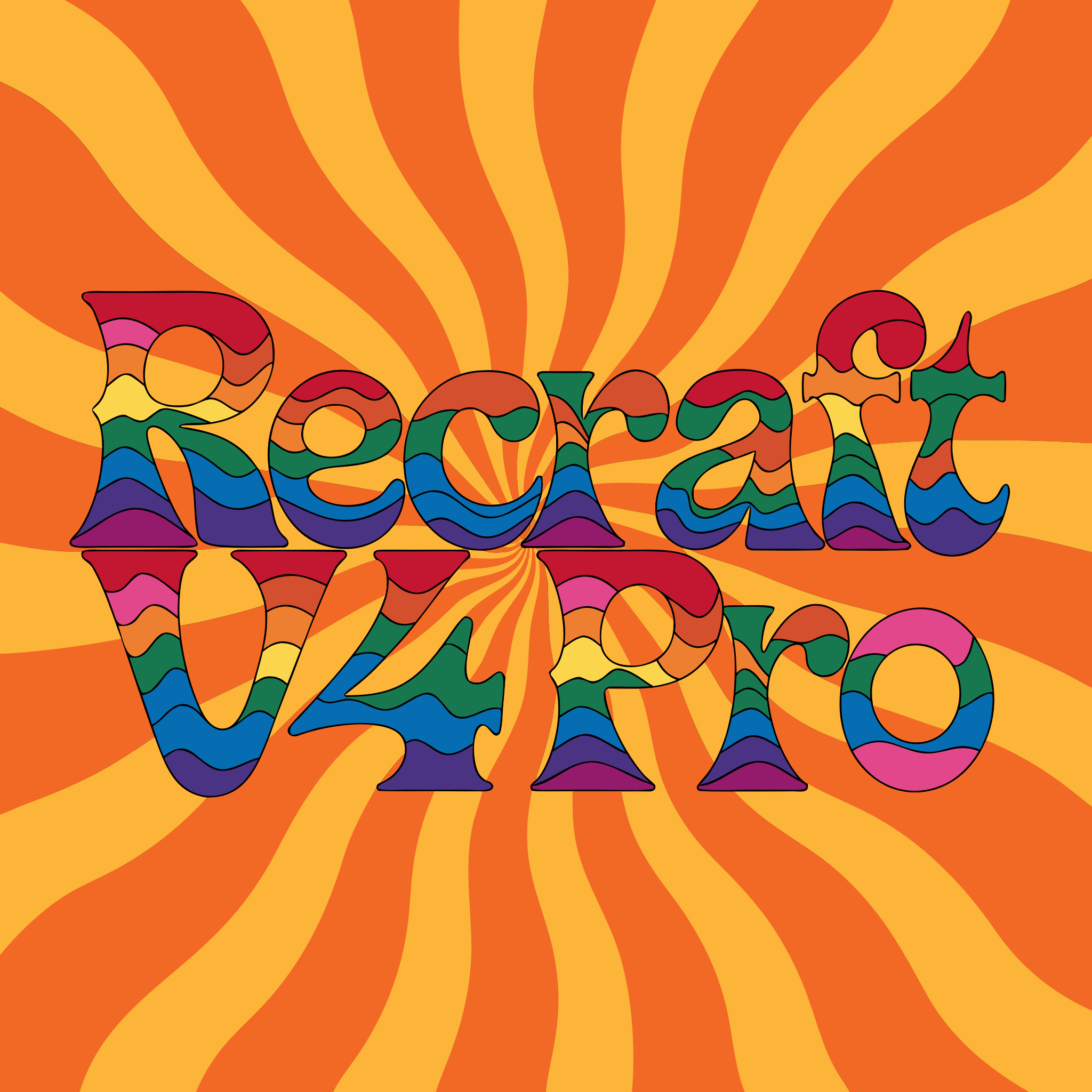
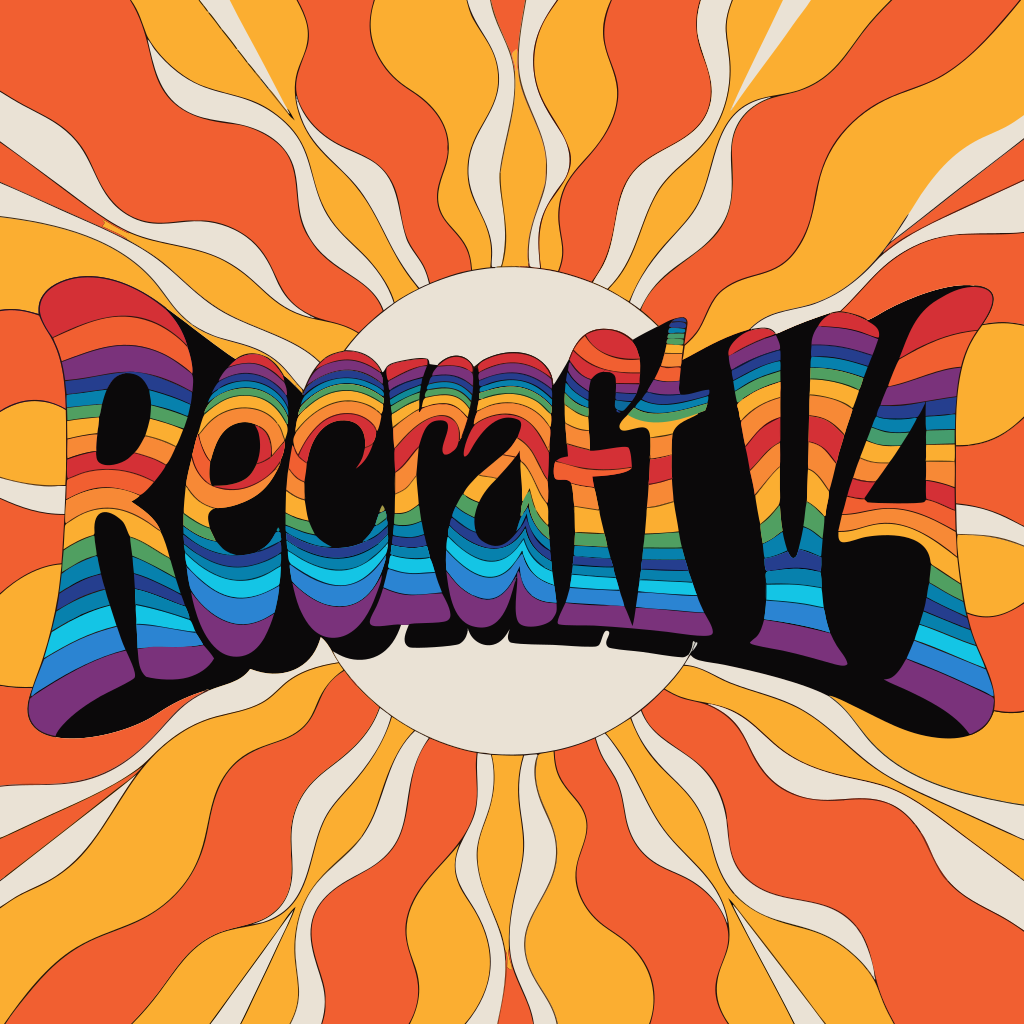
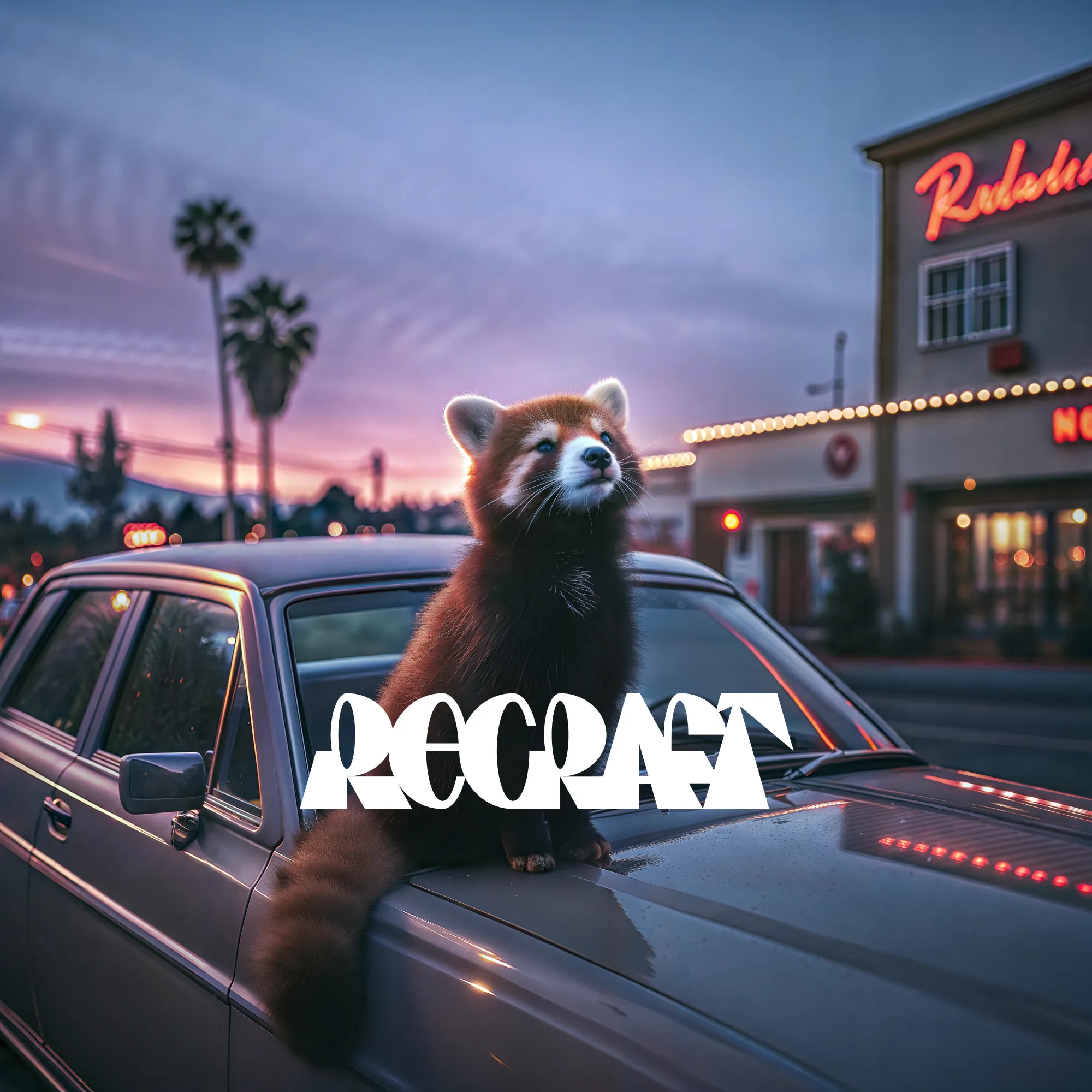
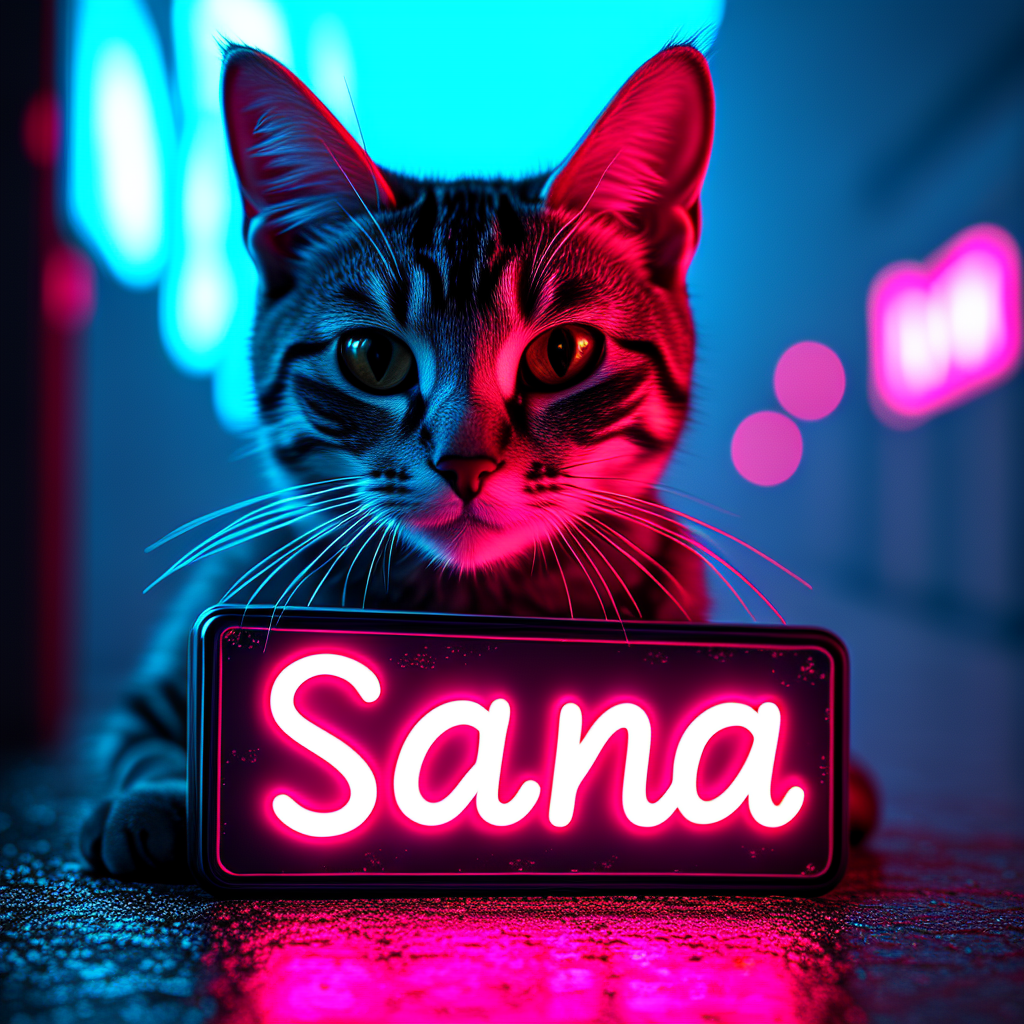
Recraft V4.1 takes a design-first approach — every output feels art-directed rather than generic. Strong integrated text rendering, intentional composition, and refined color relationships. Good for brand assets, editorial photography, and print-ready work.
Also, try out the SVG models with Recraft V4 Styles which allow you to create vector assets that can be dropped into Illustrator or Photoshop Recraft V4 Styles SVG
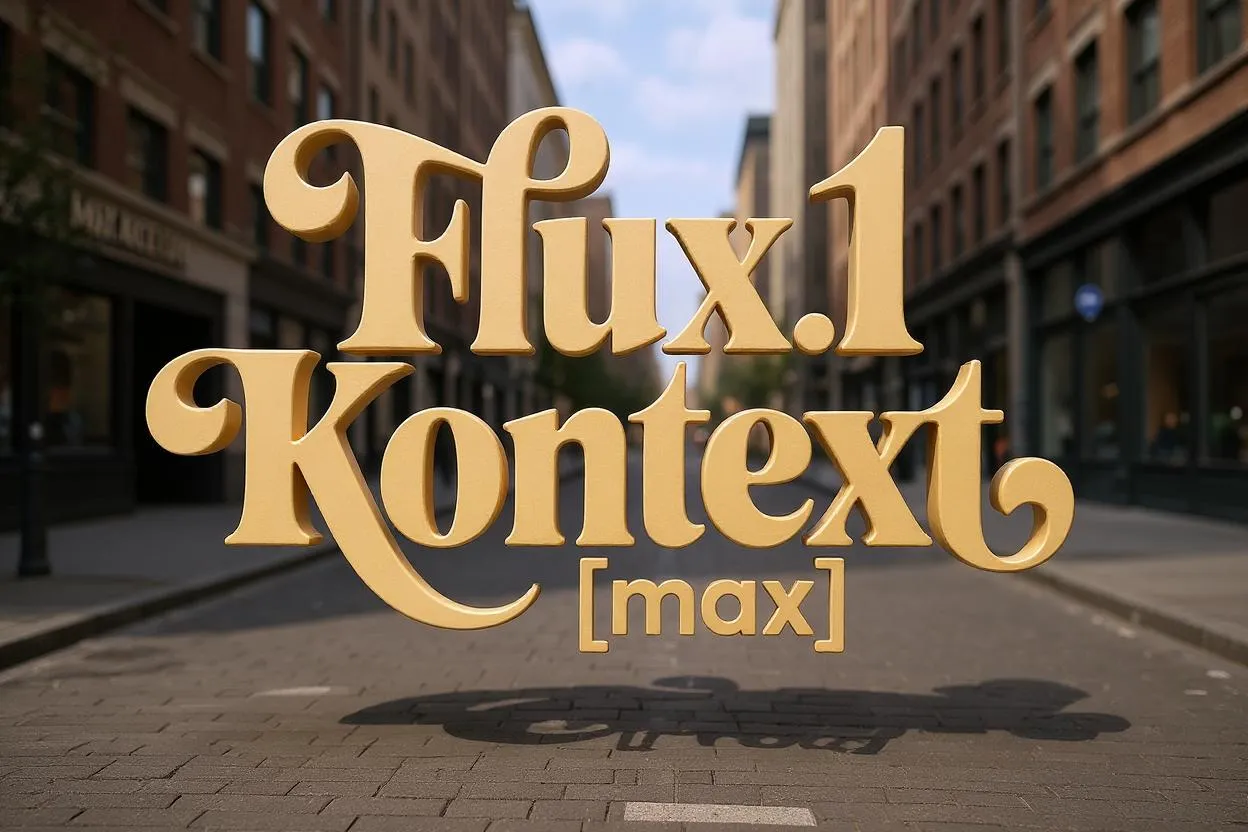
FLUX.2 Flex is the typography specialist in the FLUX family. It reliably renders clean text, captions, and complex layouts — perfect for memes, posters, infographics, and UI mockups. You can adjust the quality-speed trade-off by changing the number of steps, making it great for rapid iteration. Supports up to 10 reference images.
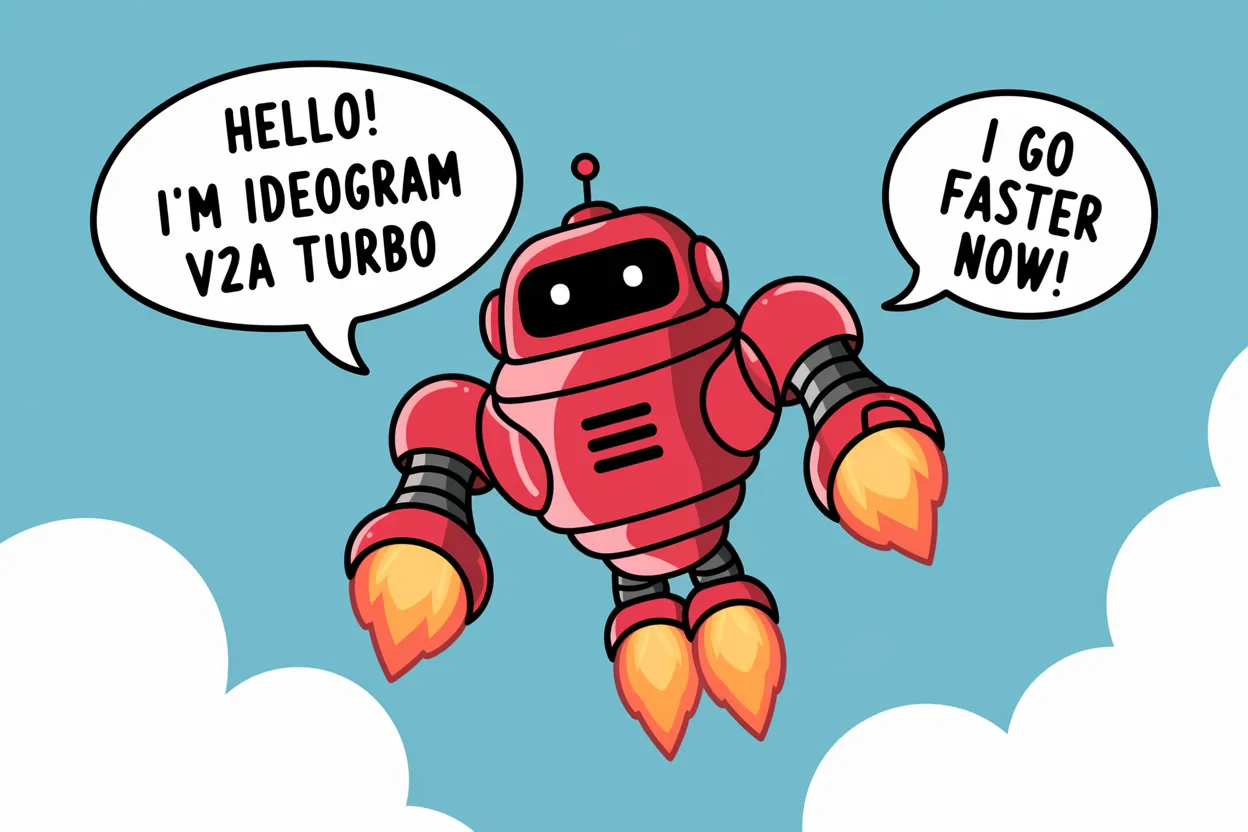
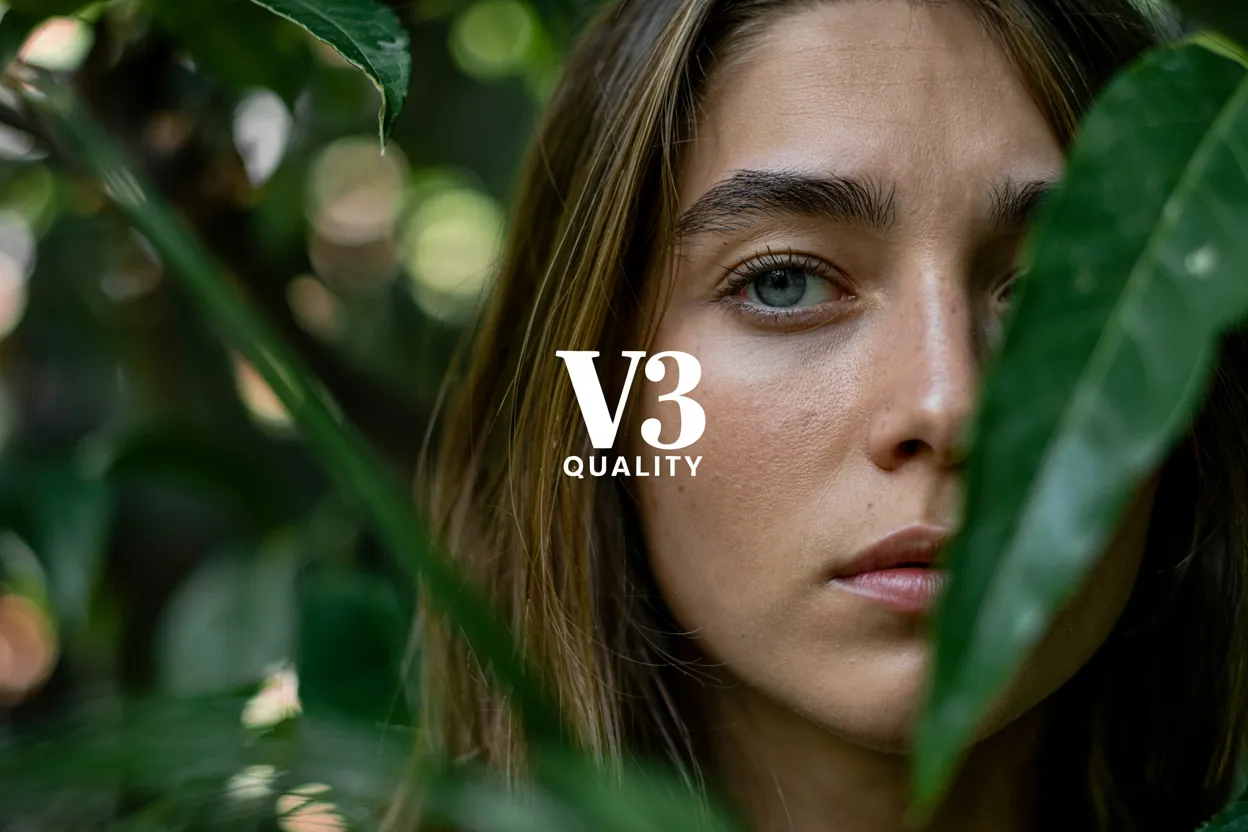
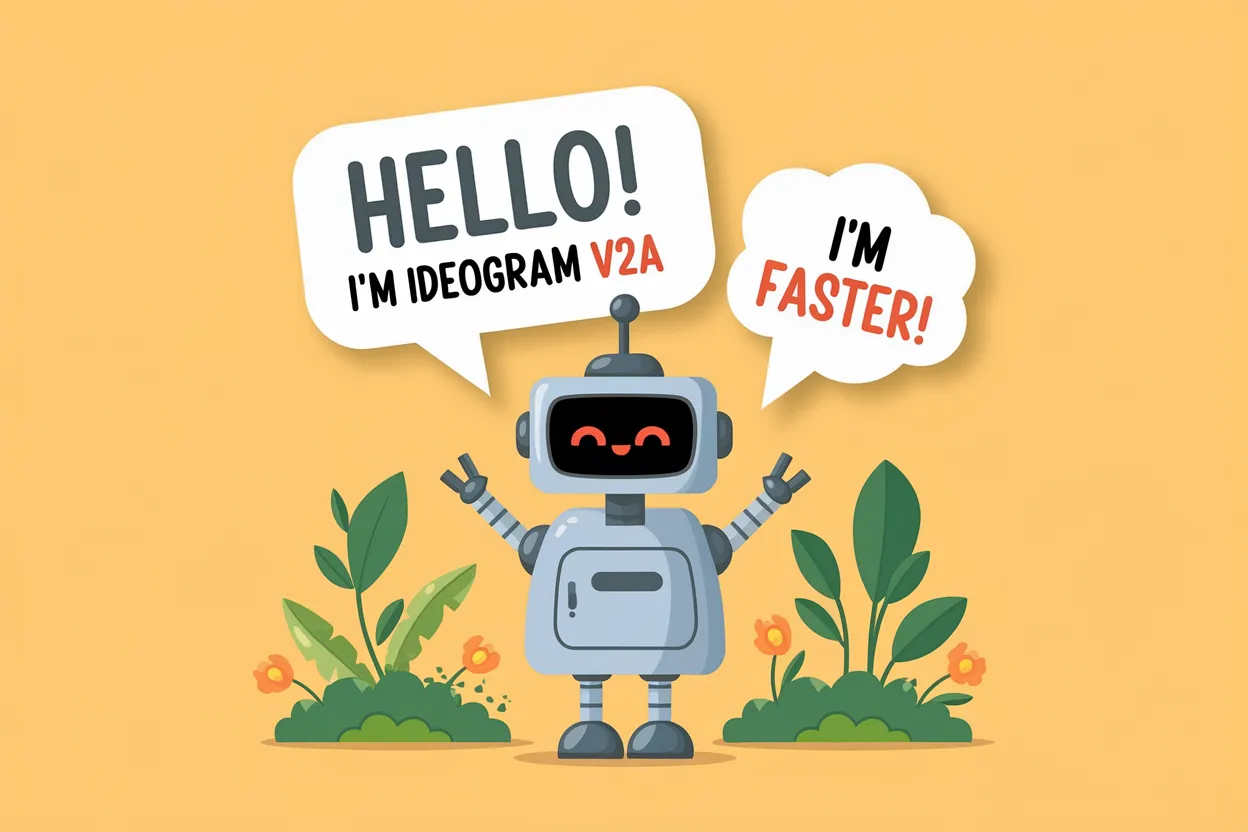
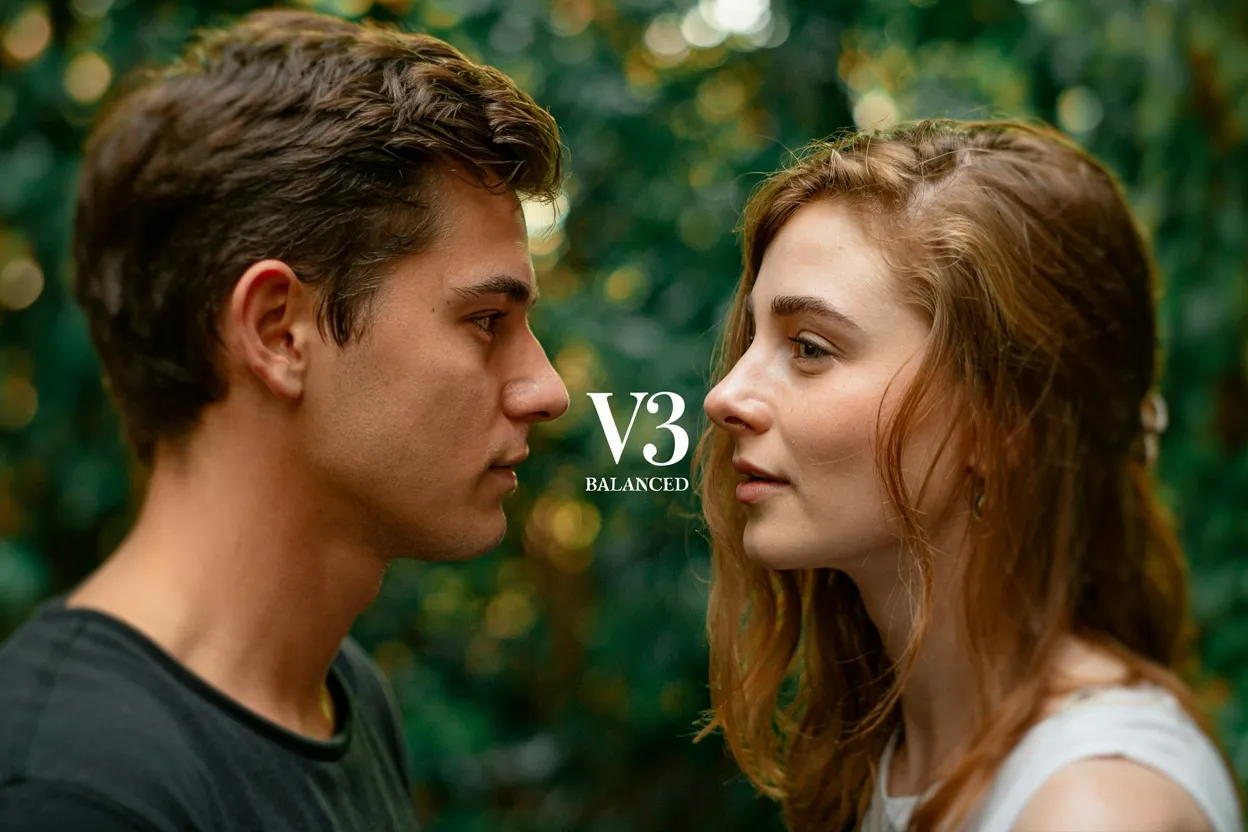
Ideogram v3 is built for graphic design and branding. It generates precise text, supports style references (upload up to 3 images or use 4.3 billion style presets), and produces clean layouts for logos, posters, and marketing materials. Available in Turbo, Balanced, and Quality tiers.
For vector graphics (SVG)
Recraft V4 SVG generates native, editable SVG vector files — not traced rasters. Output opens directly in Illustrator, Figma, or Sketch with clean paths and structured layers. The only image generation model that produces true vector output. Use it for logos, icons, illustrations, and any asset that needs to scale.
For speed and cost
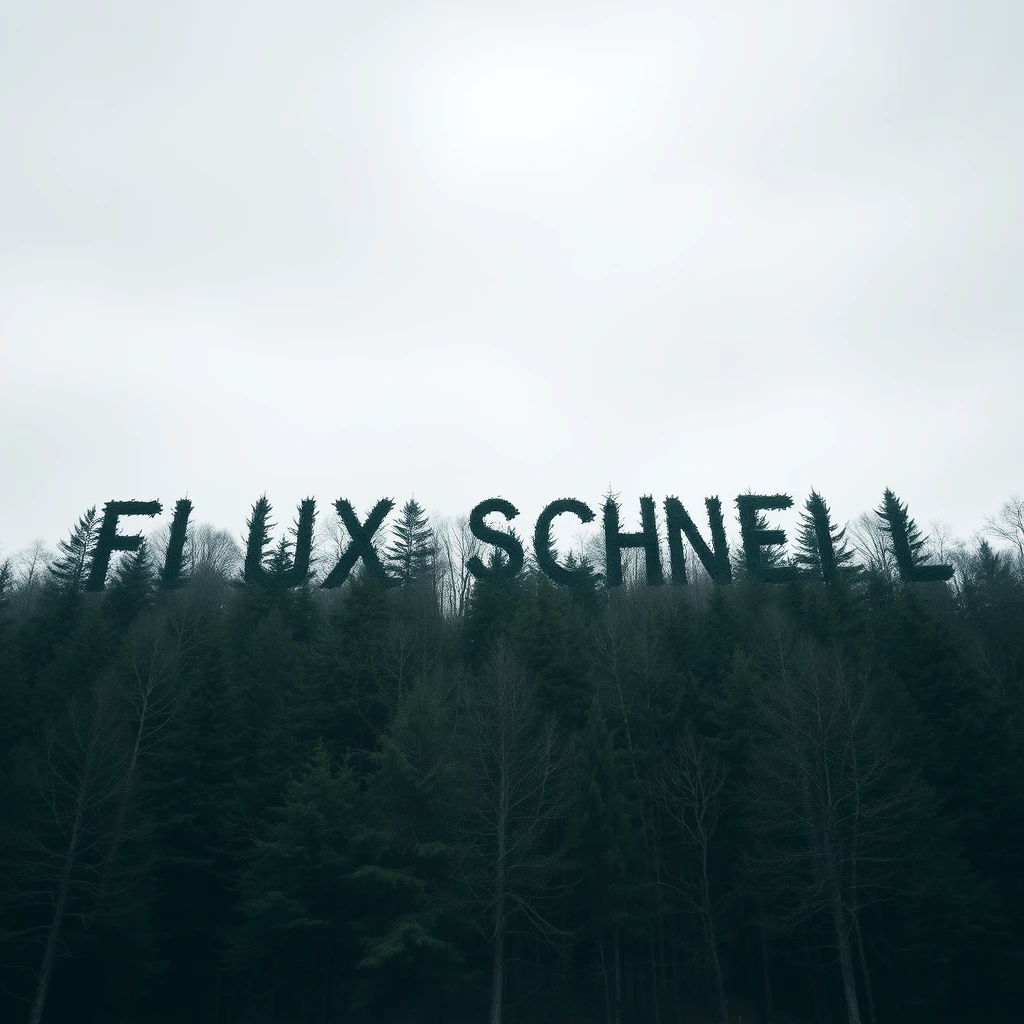
Imagen 4 Fast and FLUX Schnell are built for quick iteration — use them when you need fast results at lower cost.
Ideogram v3 Turbo gives you solid image quality with good text rendering at $0.03 per image.
Try it out
Compare models side by side in the playground to find what works best for your project.
Questions? Join us on Discord.
Featured models
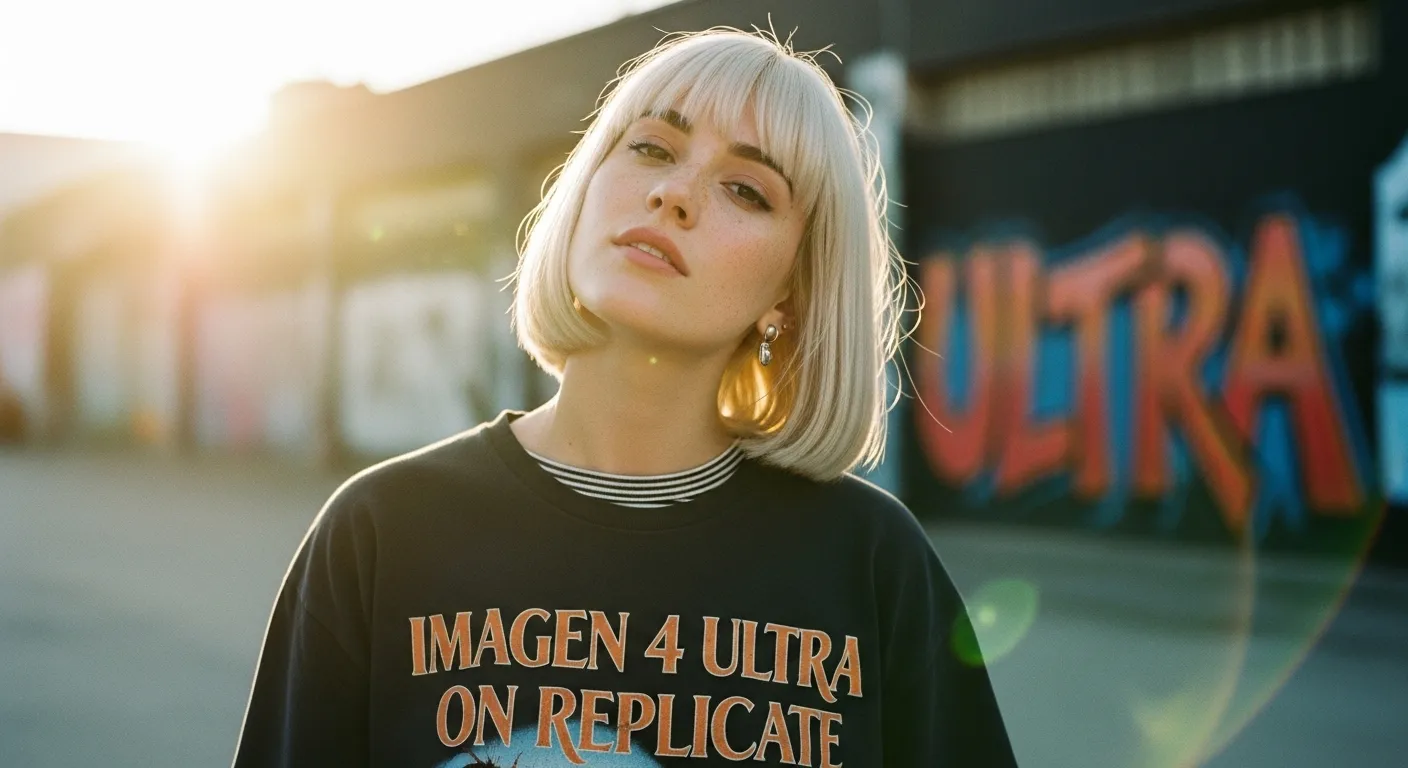
 google/imagen-4-ultra
Use this ultra version of Imagen 4 when quality matters more than speed and cost
Updated 1 week ago
1.8M runs
 recraft-ai/recraft-v4-styles-pro-svg
Recraft V4 Styles Pro SVG generates high-quality editable vector images that match a reusable style or attached reference images.
Updated 1 month, 1 week ago
194 runs
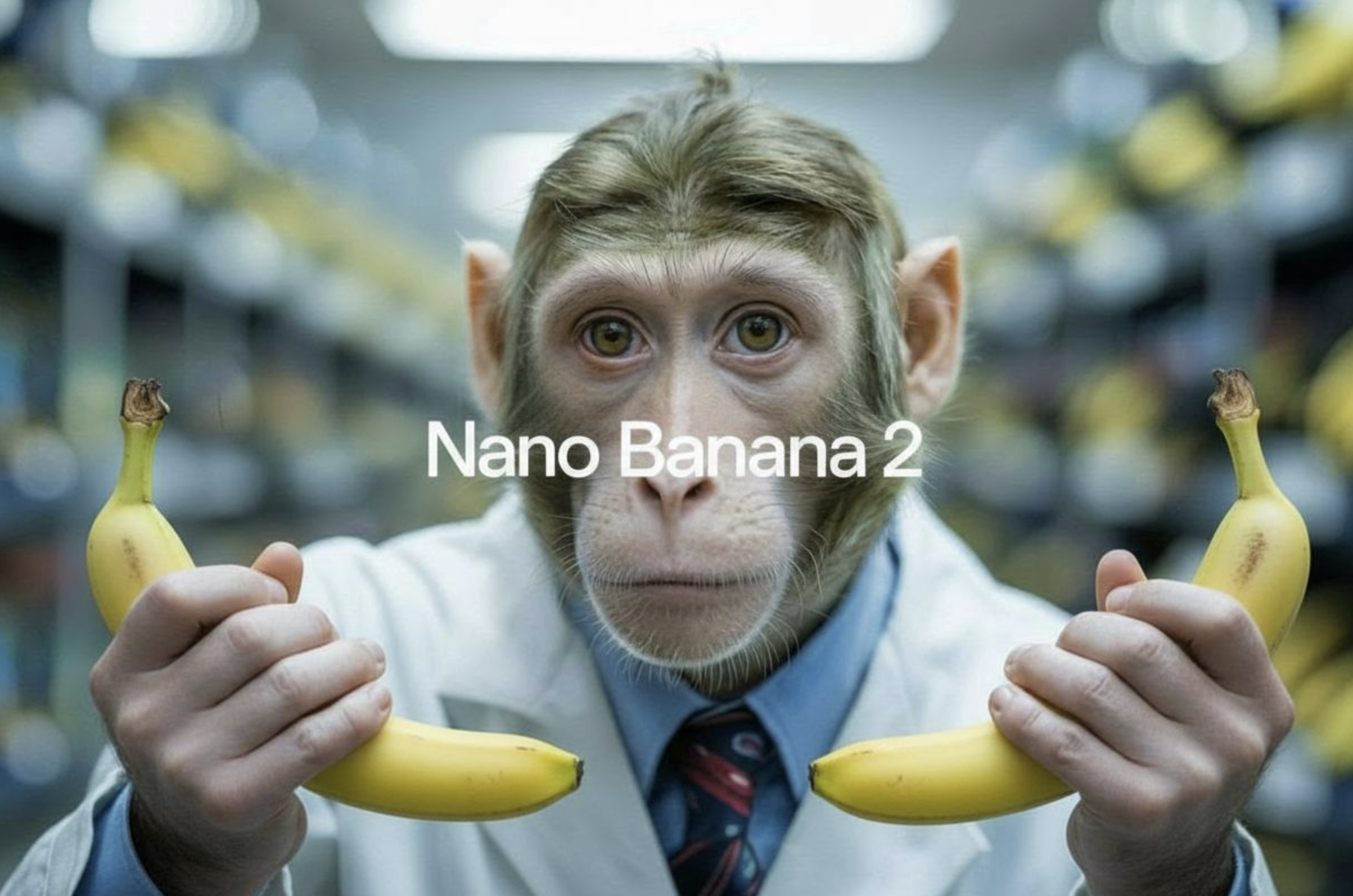 google/nano-banana-2
Google's fast image generation model with conversational editing, multi-image fusion, and character consistency
Updated 2 months, 2 weeks ago
20.6M runs
 openai/gpt-image-2
OpenAI's state-of-the-art image generation model. Create and edit images from text with strong instruction following, sharp text rendering, and detailed editing.
Updated 3 months ago
30.8M runs

 black-forest-labs/flux-2-flex
Max-quality image generation and editing with support for ten reference images
Updated 5 months ago
490.7K runs
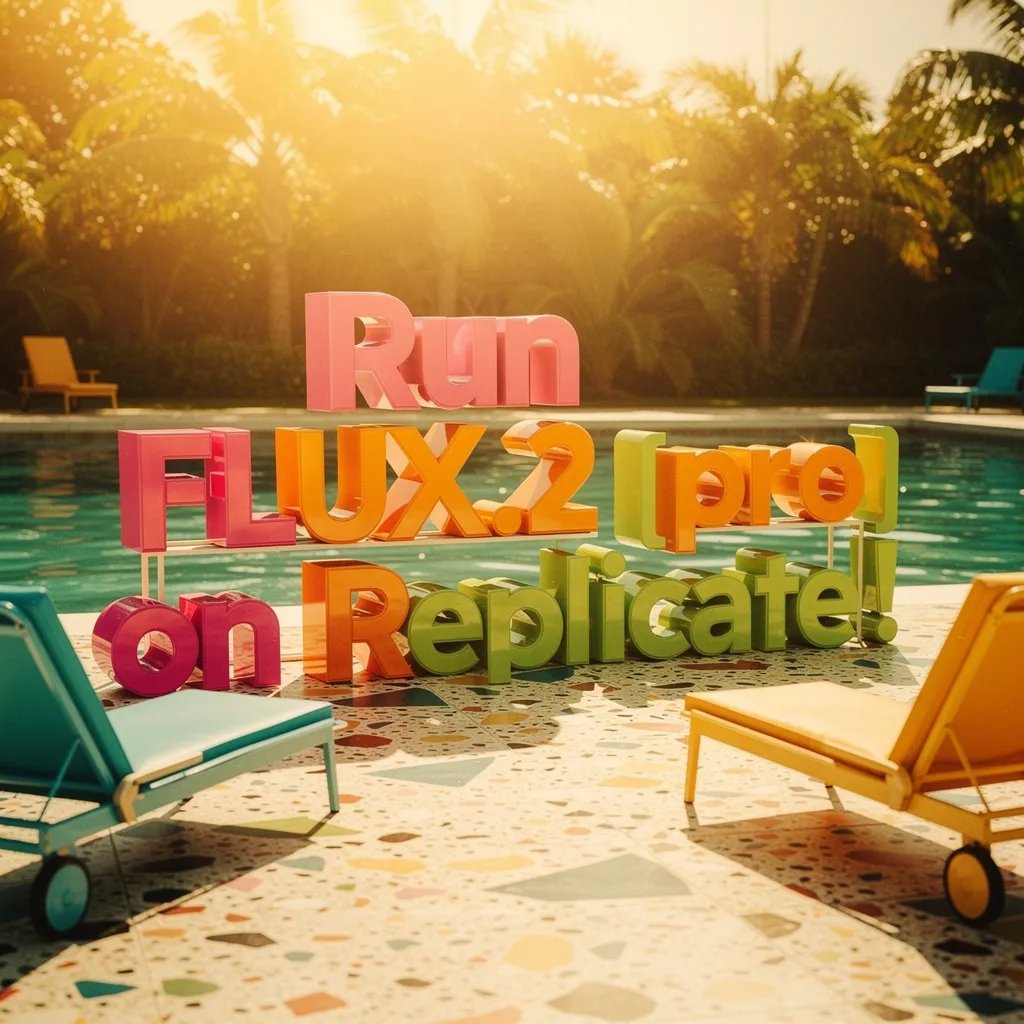 black-forest-labs/flux-2-pro
High-quality image generation and editing with support for eight reference images
Updated 6 months, 2 weeks ago
11.8M runs
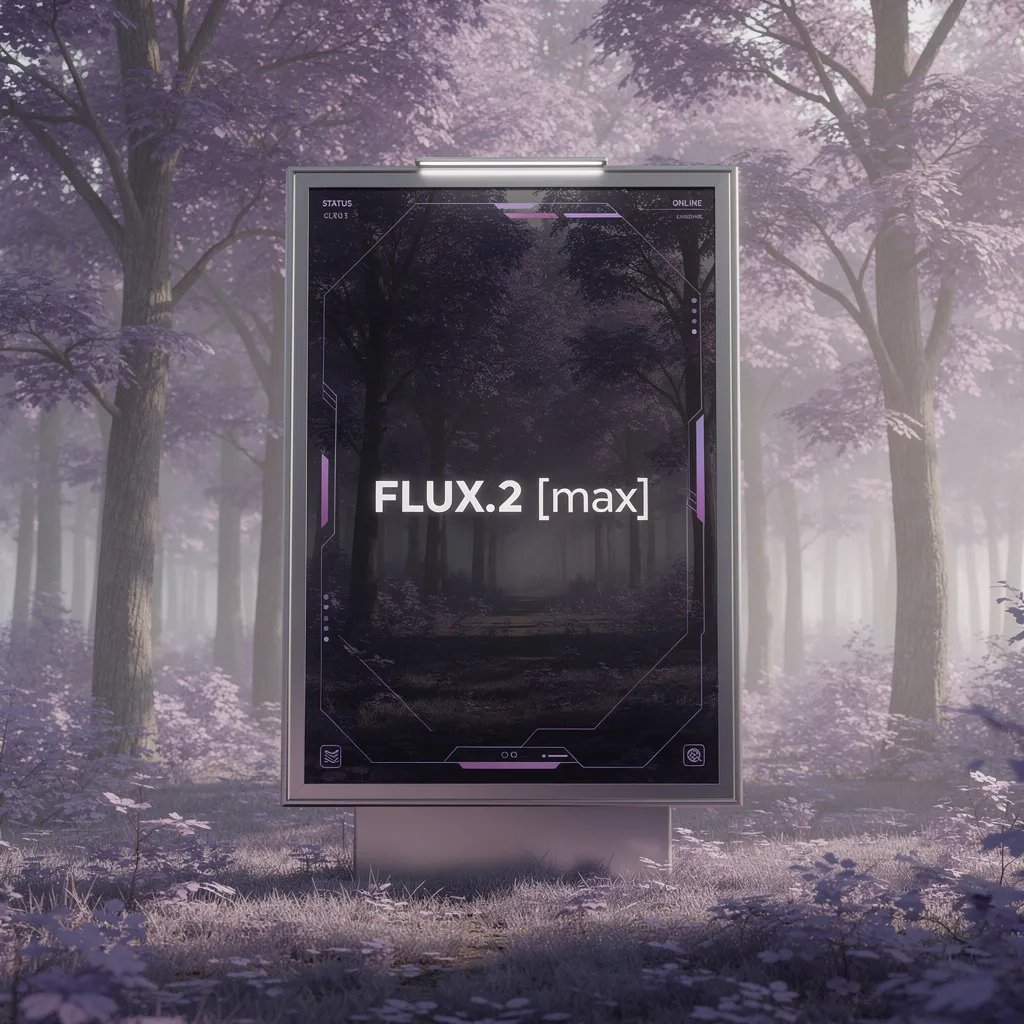 black-forest-labs/flux-2-max
The highest fidelity image model from Black Forest Labs
Updated 6 months, 3 weeks ago
4.2M runs
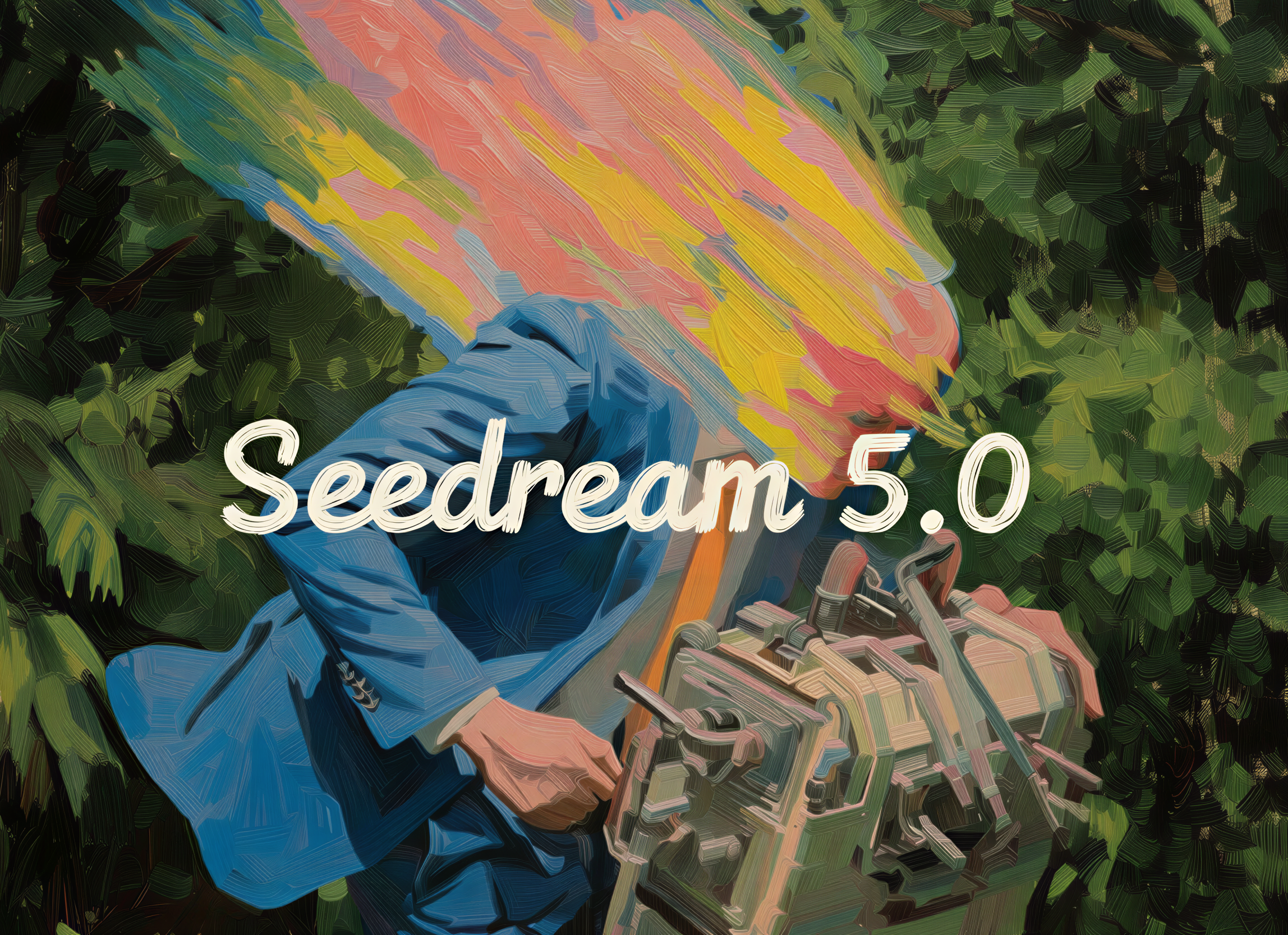
 bytedance/seedream-5-lite
Seedream 5.0 lite: image generation with built-in reasoning, example-based editing, and deep domain knowledge
Updated 7 months, 2 weeks ago
3.5M runs
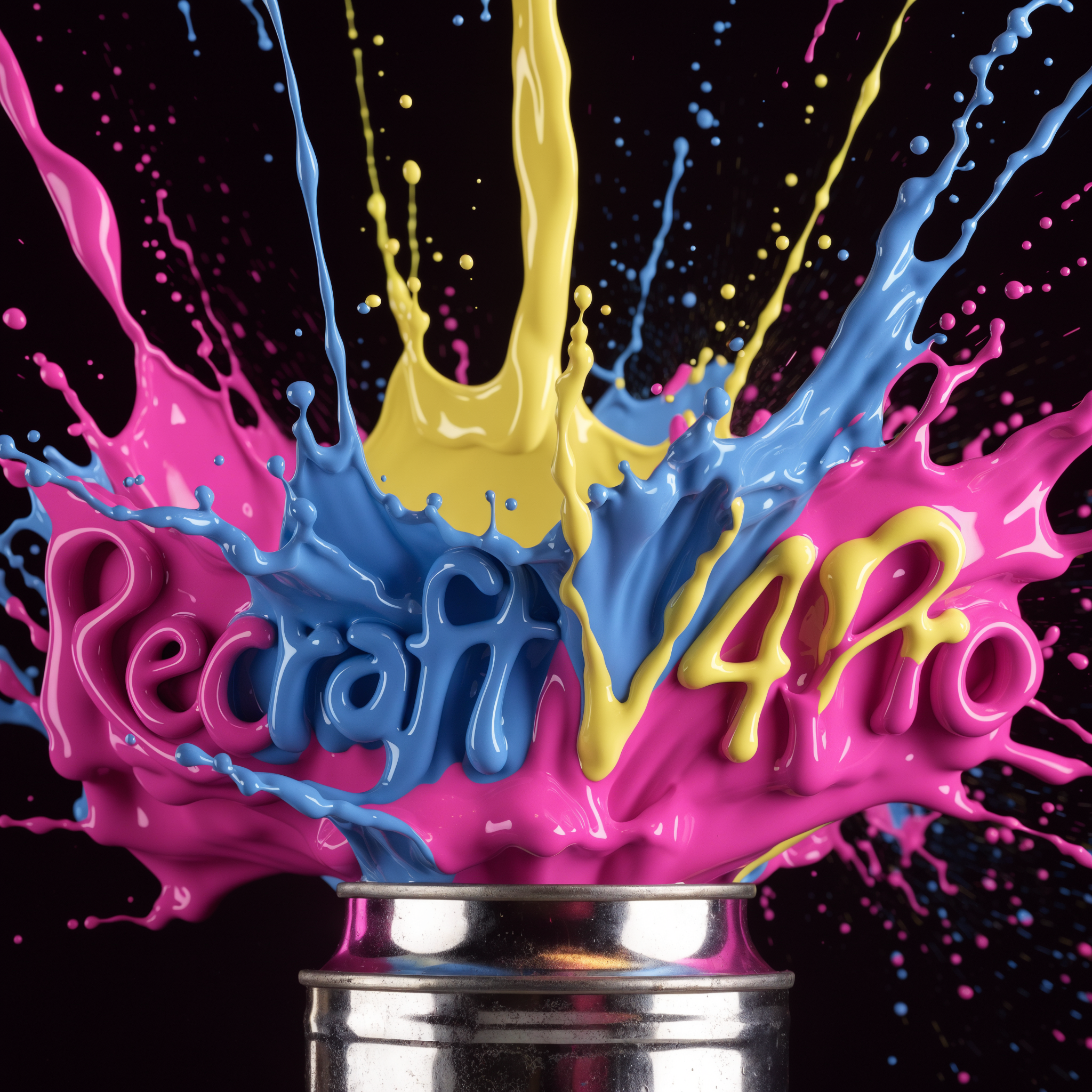 recraft-ai/recraft-v4-pro
Recraft's latest image generation model at ~2048px resolution. Same design taste and prompt accuracy as V4, with higher resolution for print-ready and large-scale work.
Updated 7 months, 2 weeks ago
24.3K runs
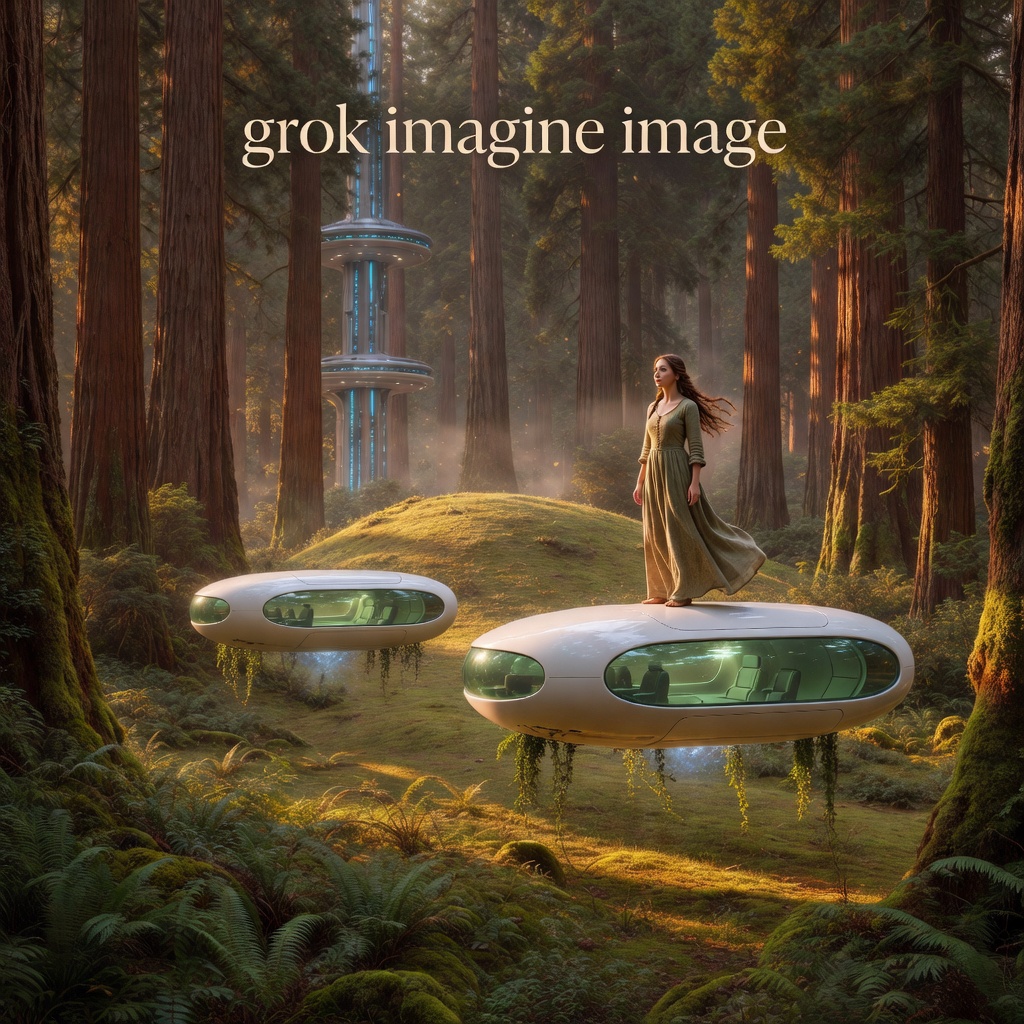
 xai/grok-imagine-image
SOTA image model from xAI
Updated 7 months, 3 weeks ago
6M runs
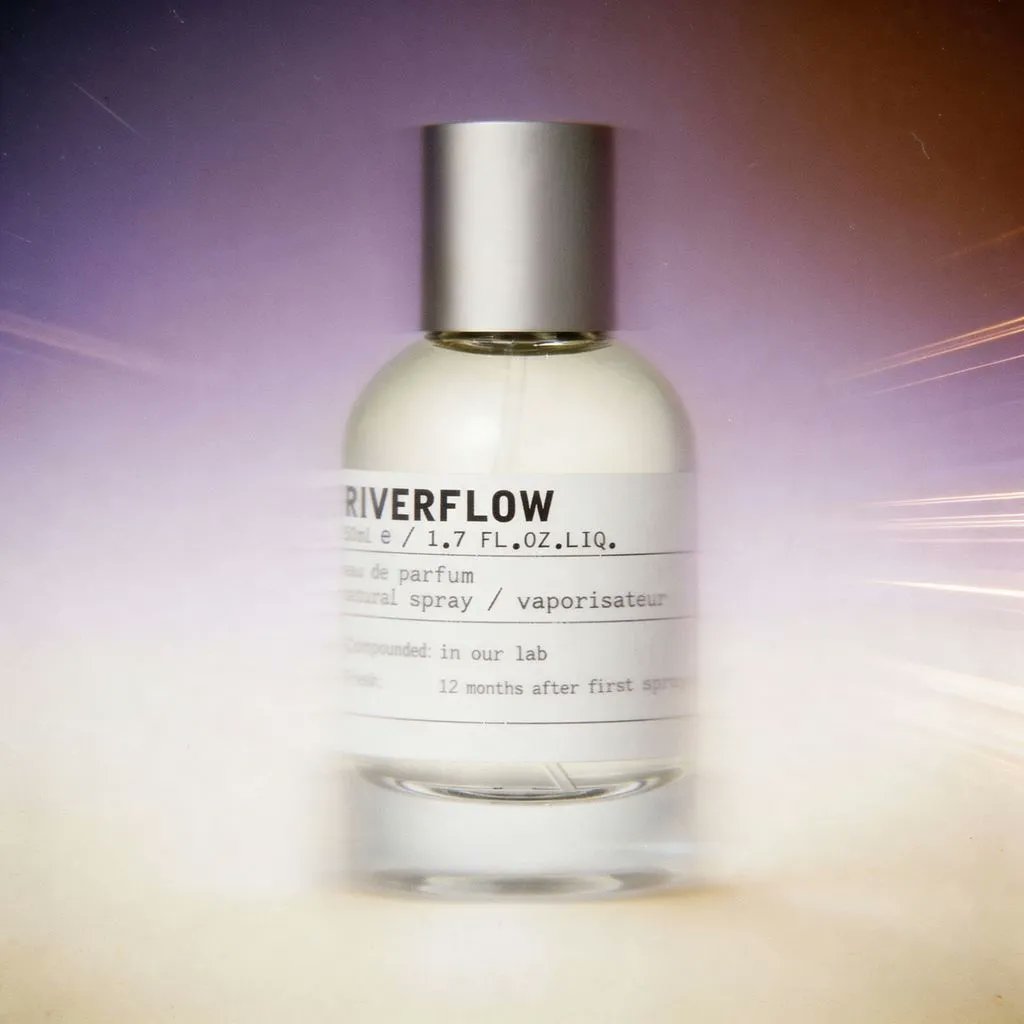
 sourceful/riverflow-2.0-pro
Agentic image model optimized for robust, high-precision generations supporting font control
Updated 8 months ago
25.9K runs
 openai/gpt-image-1.5
OpenAI's latest image generation model with better instruction following and adherence to prompts
Updated 8 months, 2 weeks ago
16.1M runs
Recommended Models
Frequently asked questions
What’s the fastest model for generating images?
Speed depends on the model’s architecture and how it’s optimized for the hardware it runs on. If you want quick results, models like google/imagen-4-fast and black-forest-labs/flux-schnell are built to return outputs fast, which is great for rapid iteration.
Which model gives the best balance of cost and quality?
Smaller or “fast” variants usually cost less to run. bytedance/seedream-4.5 and ideogram-ai/ideogram-v3-turbo are good picks if you want solid image quality without spending a lot.
What’s the difference between text-to-image and image-to-image?
Text-to-image models create a new image from scratch based on your text prompt. Image-to-image models take an existing image and use your prompt to change or build on it. Think of it as “paint something new” vs. “edit what’s already there.”
Which model makes the most realistic images?
bytedance/seedream-4.5 and ideogram-ai/ideogram-v3-turbo are great for realistic lighting, textures, and faces. They’re popular for lifelike portraits, product shots, and scenery.
Which model is best for artistic or stylistic work?
If you’re aiming for a specific look, black-forest-labs/flux-1.1-pro and black-forest-labs/flux-schnell give you more control over style, lighting, and composition. They’re good for illustrations, concept art, or anything with a creative twist.
Can I edit images with a text prompt?
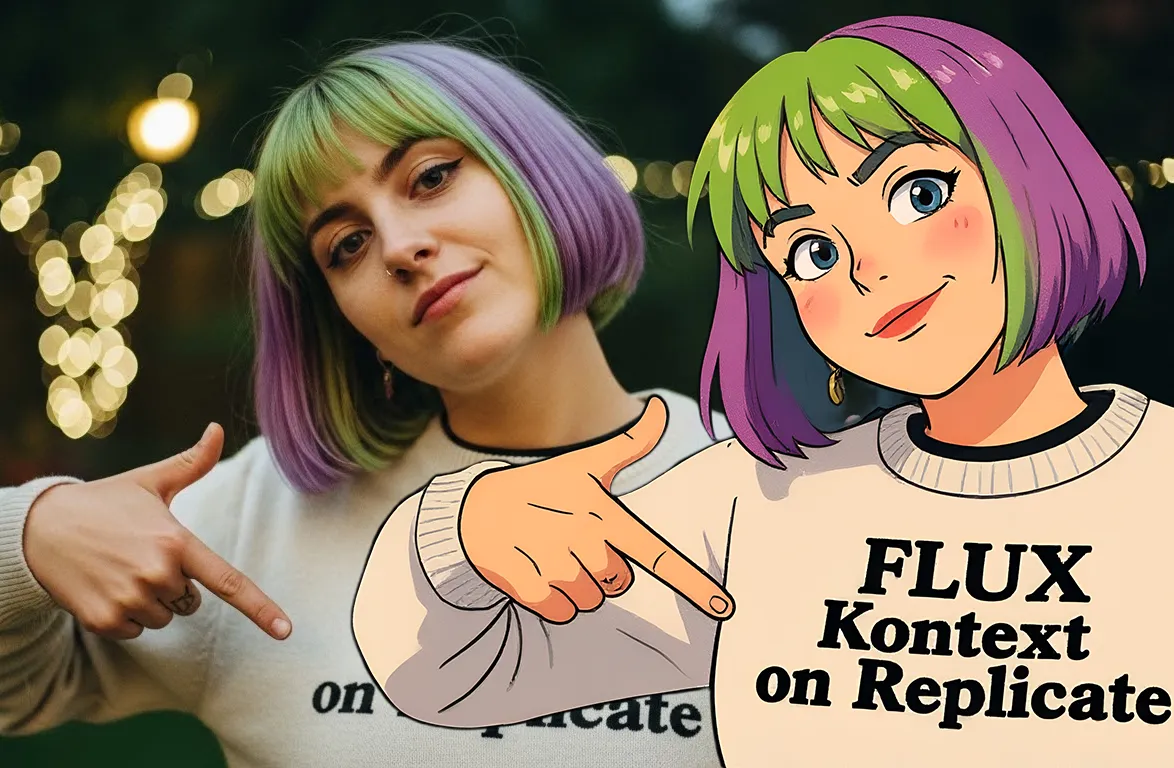
Yes. Use text-guided editing models like black-forest-labs/flux-kontext-pro or bytedance/seedream-4.5 to add or change details in an existing image. For example, you can tell it to “add sunglasses” or “turn it into a painting.”
What resolution do these models support?
Most models output images between 512×512 and 4K. Check the model card for the exact dimensions supported. Higher resolutions can cost more and take a bit longer to run.
How do I make consistent characters or scenes?
Use a reference image or a fixed seed. Models like black-forest-labs/flux-kontext-pro and ideogram-ai/ideogram-v3-turbo support both, so you can keep the same look across multiple runs.
Can I fine-tune a model with my own data?
Some models support fine-tuning. Look for the fine-tune tag on the model page or check the README for training details.
Can I host my own model on Replicate?
Yes. Push a model from GitHub with a replicate.yaml file. Once it’s built, it runs on the same infrastructure as other models.
Can I use these models for commercial work?
Check the “License” section on the model page. Some licenses allow commercial use, others don’t. Always make sure before using outputs in anything public or commercial.