Upscale images with super resolution
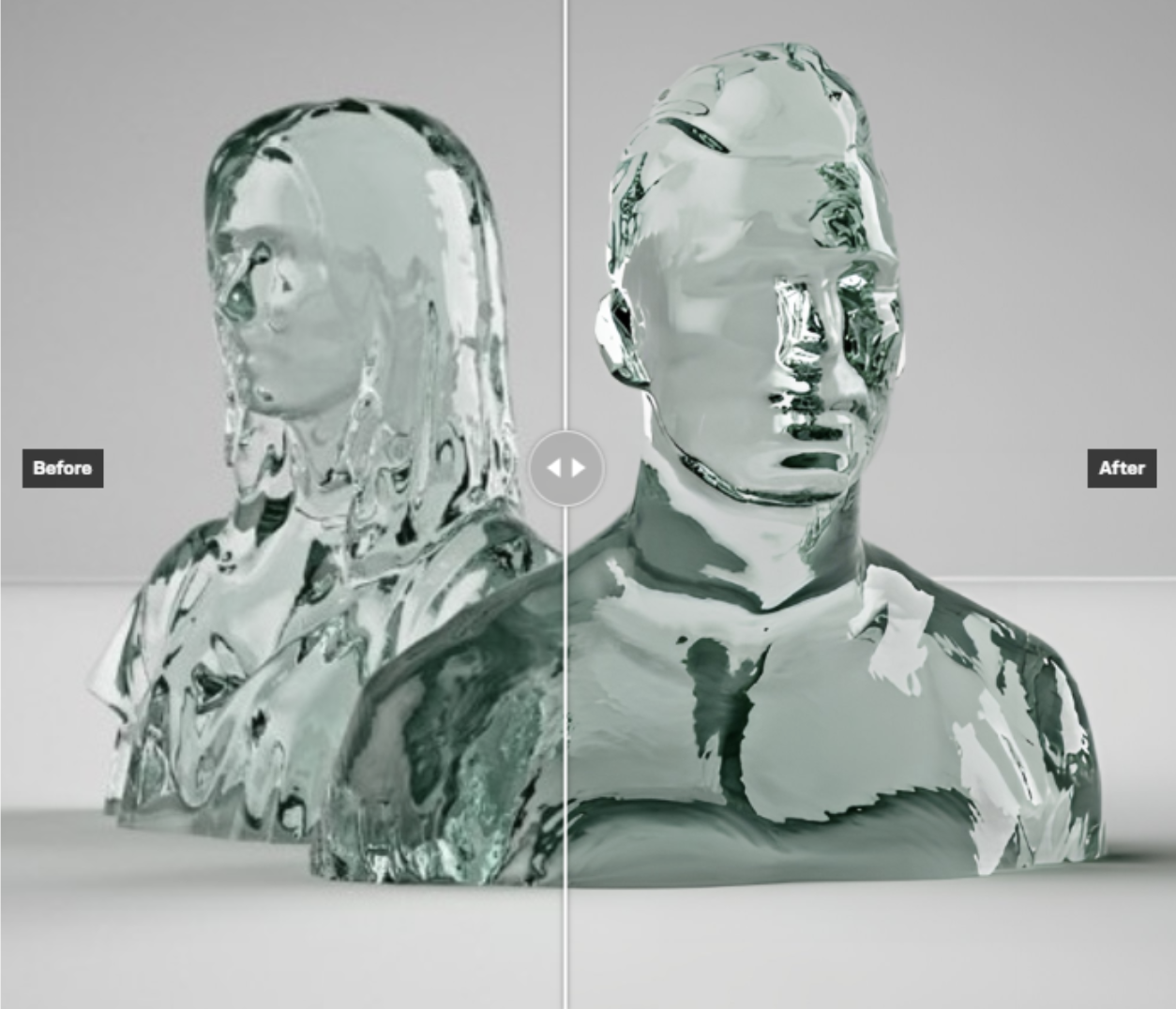
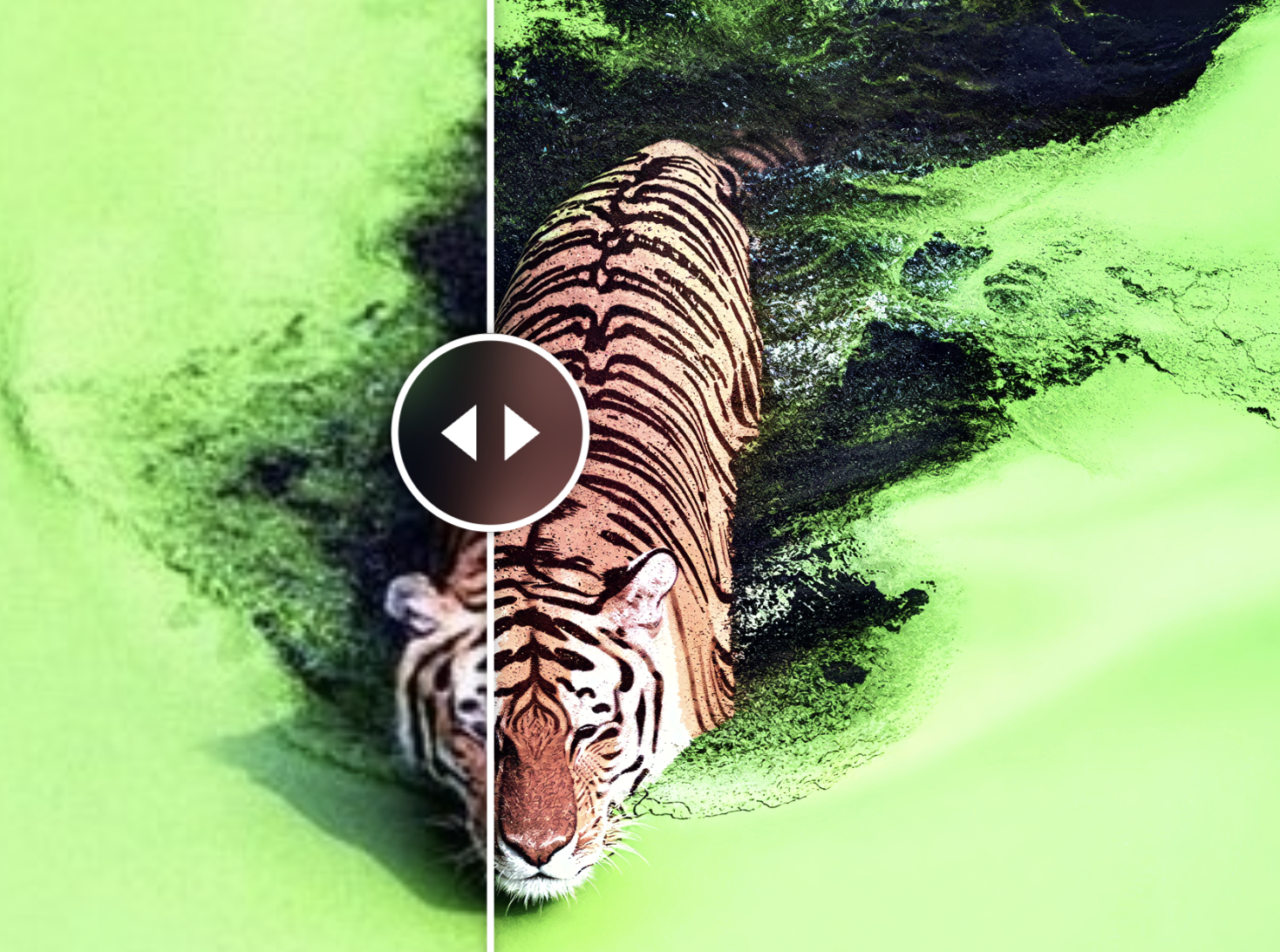
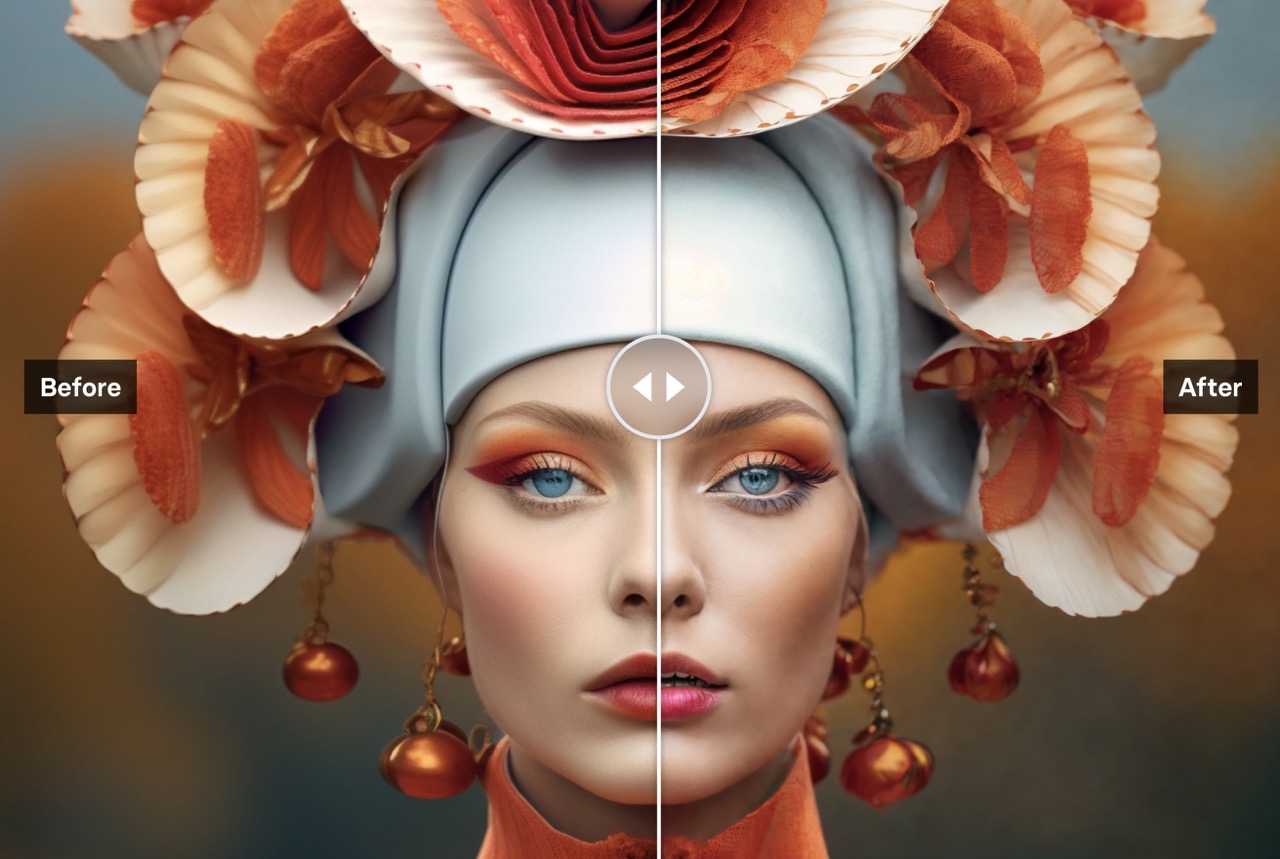
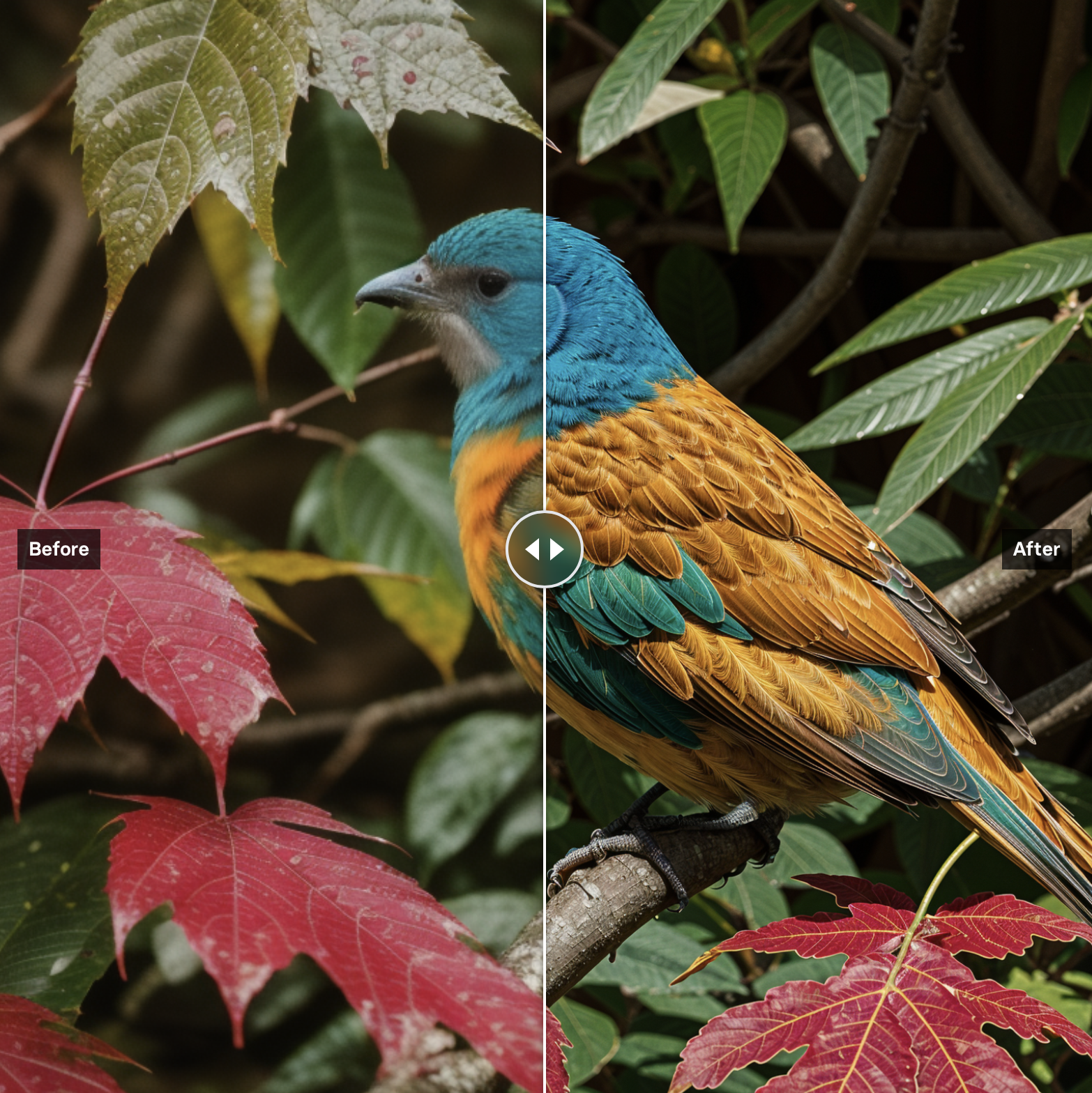
These models increase image resolution and quality. Whether you need to upscale product photos for print, sharpen AI-generated images, or restore old photographs, there's a model here for it.
Read our guide to upscaling images with AI to learn more.
Models we recommend
Best overall: Topaz Image Upscale
Topaz Image Upscale is the most versatile upscaler on Replicate. It has five specialized models — Standard for general use, Low Resolution for tiny images, CGI for digital art, High Fidelity for detail preservation, and Text Refine for documents. Supports up to 6x scaling with optional face enhancement. If you're not sure which upscaler to use, start here.
Best for high-scale photorealism: Clarity Pro Upscaler
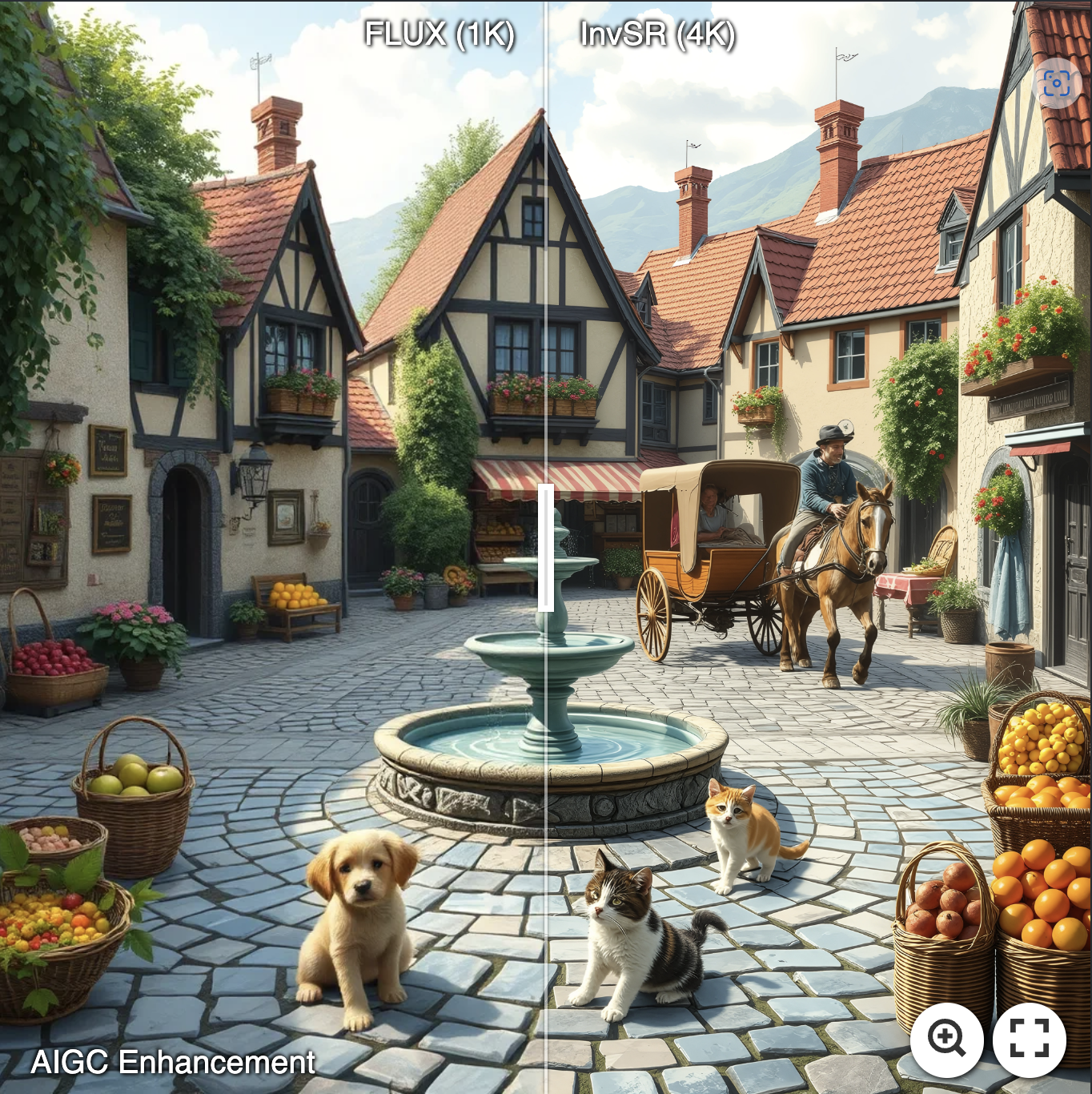
Clarity Pro Upscaler is the flagship upscaler from Clarity AI. Photorealistic results at up to 16x scale (capped at 64 megapixels output, ~8K), with a creativity parameter that lets you dial between strict fidelity and stylized re-imagining. Great for photos, AI-generated images, products, and artwork when you need scale and quality beyond what other upscalers can reach.
Best for sharpness: Recraft Crisp Upscale
Recraft Crisp Upscale produces clean, sharp results that look great on screen and in print. It's straightforward — give it an image and get a higher-resolution version with enhanced clarity. No fuss, no hallucinated details.
Best for faces and portraits: Crystal Upscaler
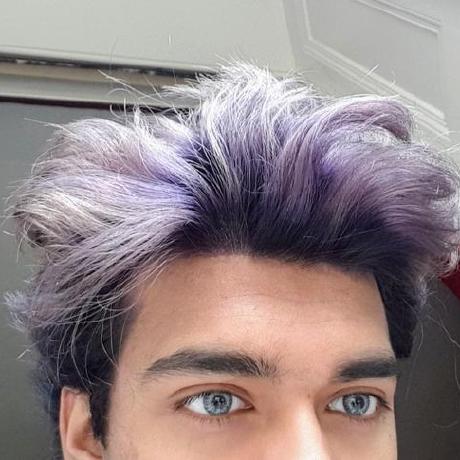
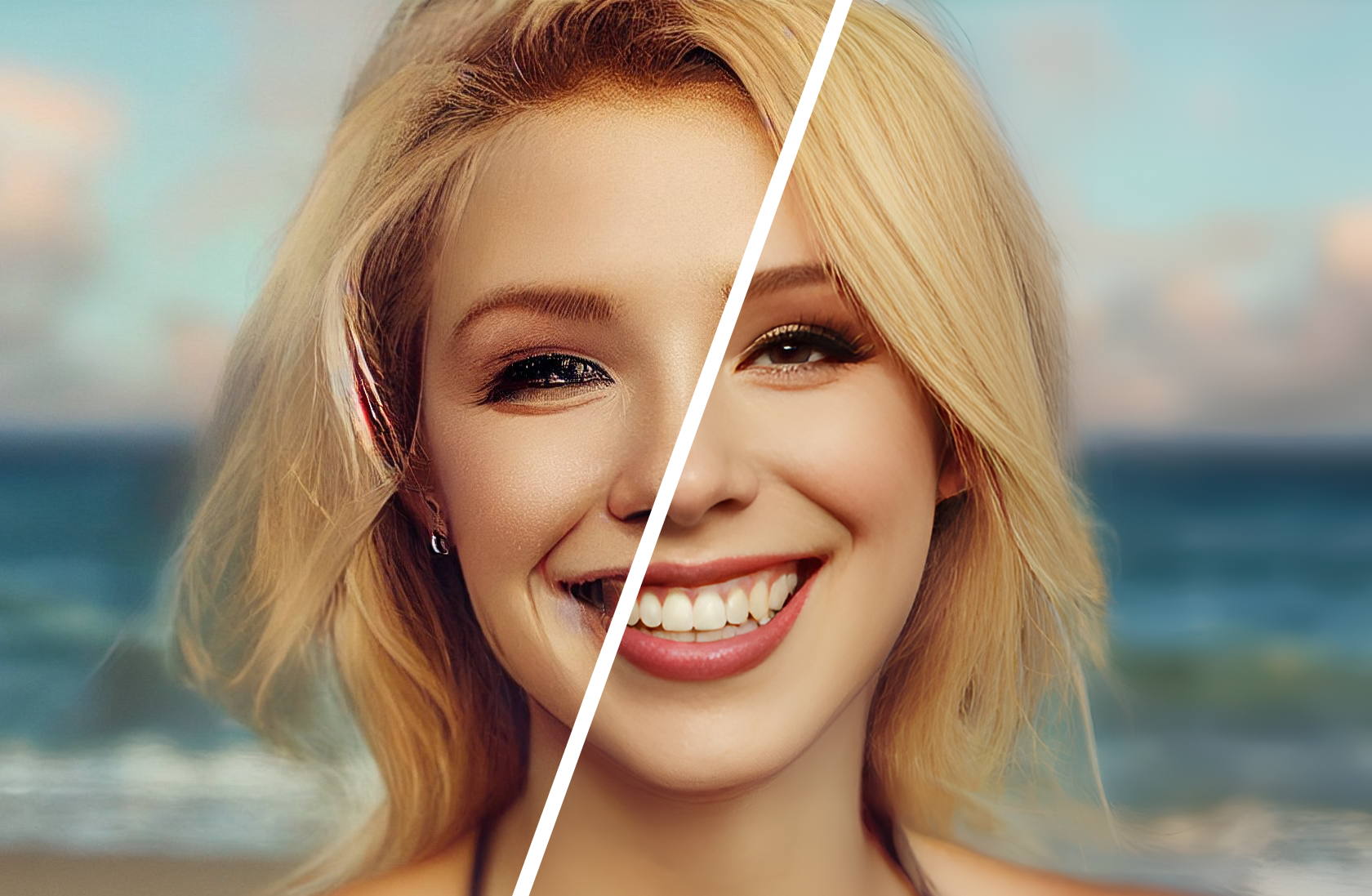
Crystal Upscaler is optimized for portraits, faces, and product photography. It preserves natural skin texture and facial identity without introducing the plastic look that other upscalers sometimes produce. Up to 10x faster than comparable models, with support for up to 10K resolution.
For creative enhancement: Recraft Creative Upscale
Recraft Creative Upscale goes beyond resolution — it adds depth by improving textures, fine details, and facial features. Good for AI-generated art where you want the upscaler to enhance rather than just enlarge.
Fast and simple: Google Upscaler
Google Upscaler does straightforward 2x or 4x upscaling with no configuration needed. Fast and reliable for batch processing.
Speed champion: PrunaAI Image Upscale
PrunaAI Image Upscale upscales to 4 megapixels in under a second, with support for outputs up to 8 megapixels. Options for realism improvement and detail enhancement. The fastest upscaler in this collection.
Community favorites
For high-volume batch work on a budget, nightmareai/real-esrgan is still a solid choice — fast on cheaper GPUs with an optional face enhancement mode. philz1337x/clarity-upscaler is another popular community option with extensive customization.
Looking to restore old or damaged photos? Check out our image restoration collection →
Featured models
 prunaai/p-image-upscale
Fastest image upscaler in the world (<1s) supporting outputs up to 128 MP. contact Pruna AI for dedicated endpoints.
Updated an hour ago
2.7M runs
 google/upscaler
Upscale images 2x or 4x times
Updated 4 months ago
1.2M runs
 philz1337x/clarity-pro-upscaler
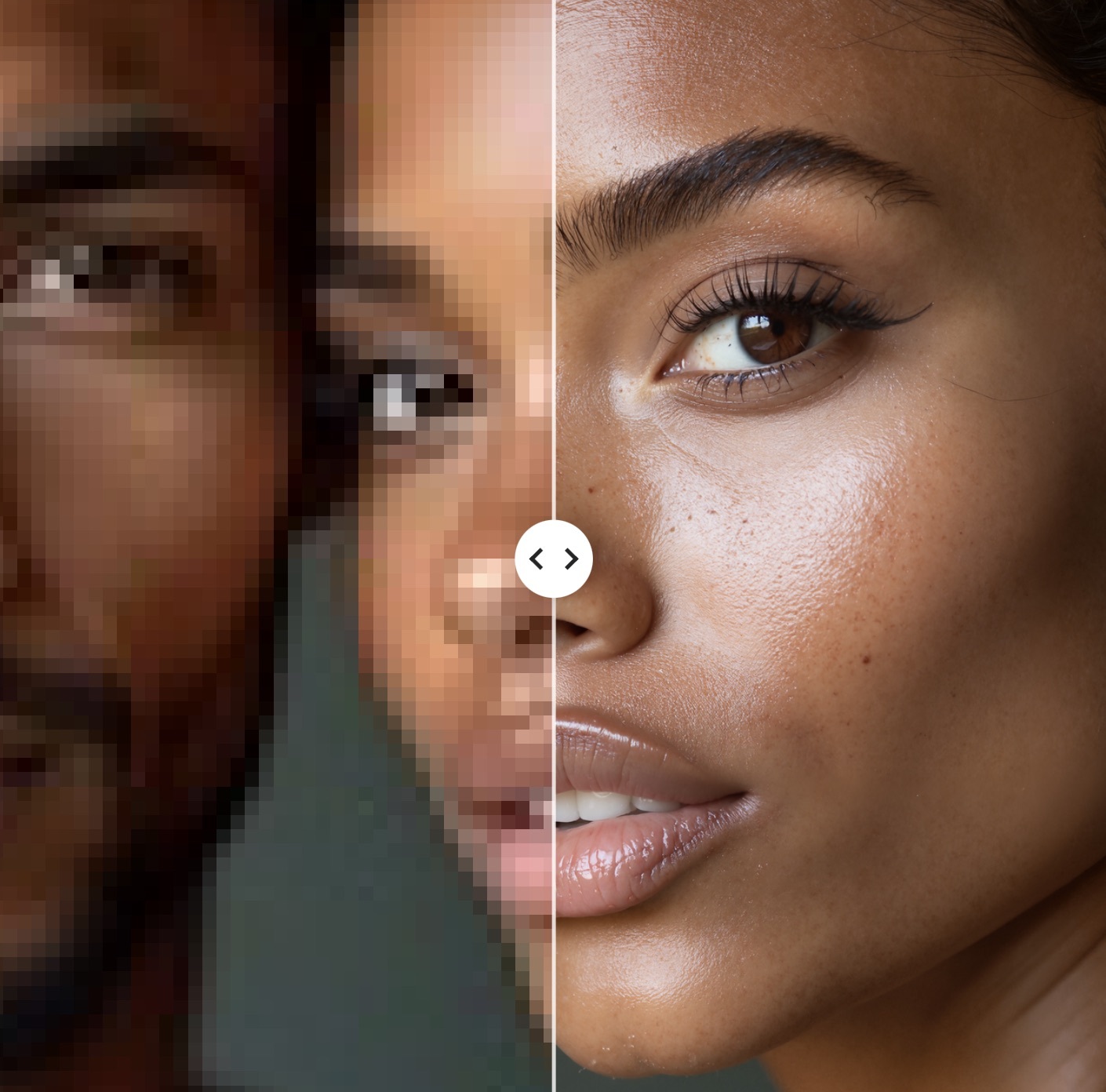
The first creative upscaler which keeps identity. Stunning photorealistic results, realistic skin, and full creative control.
Updated 5 months, 1 week ago
36.9K runs
 recraft-ai/recraft-creative-upscale
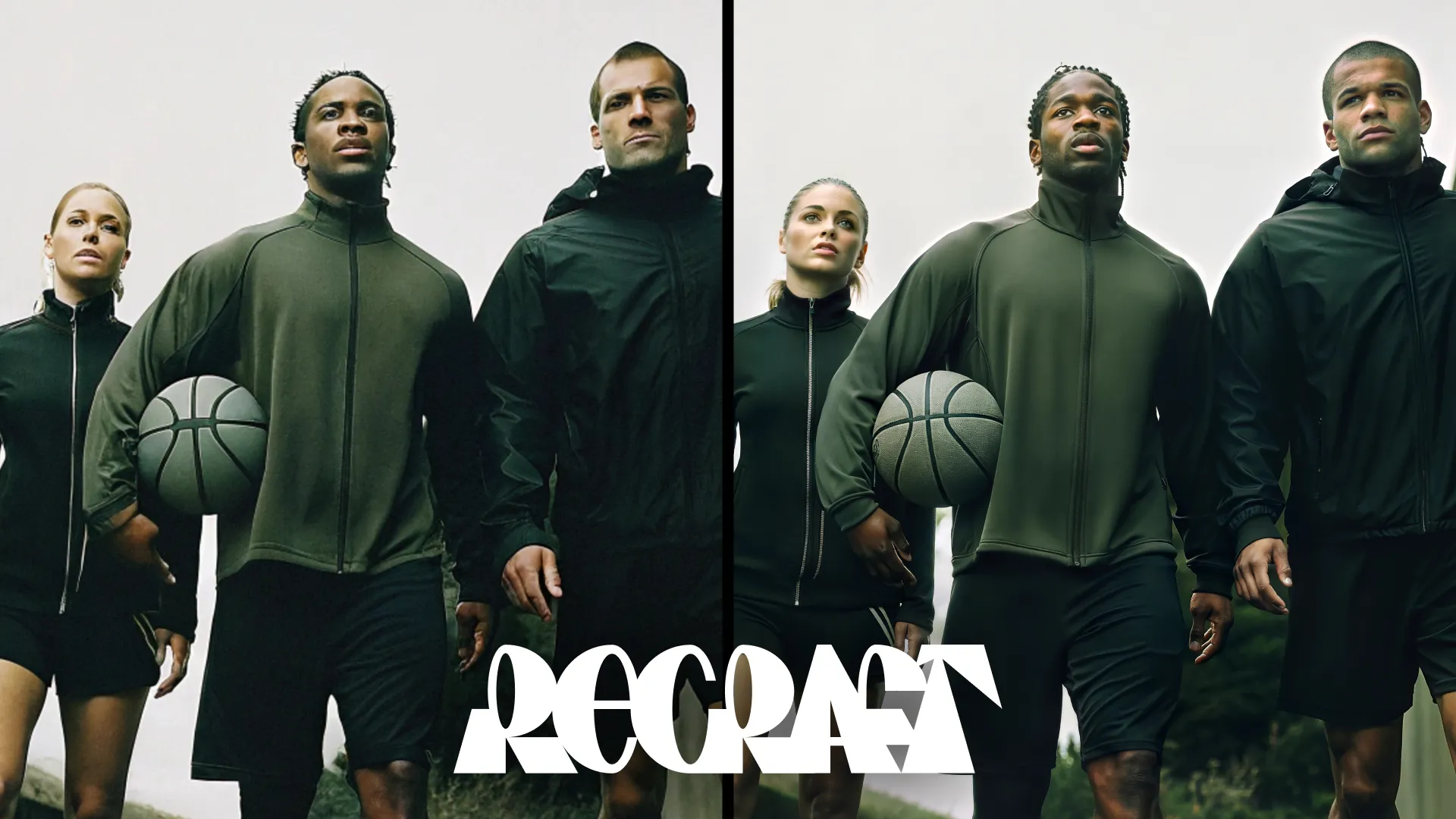
Creative Upscale focuses on enhancing details and refining complex elements in the image. It doesn’t just increase resolution but adds depth by improving textures, fine details, and facial features.
Updated 6 months, 3 weeks ago
18.4K runs
 recraft-ai/recraft-crisp-upscale
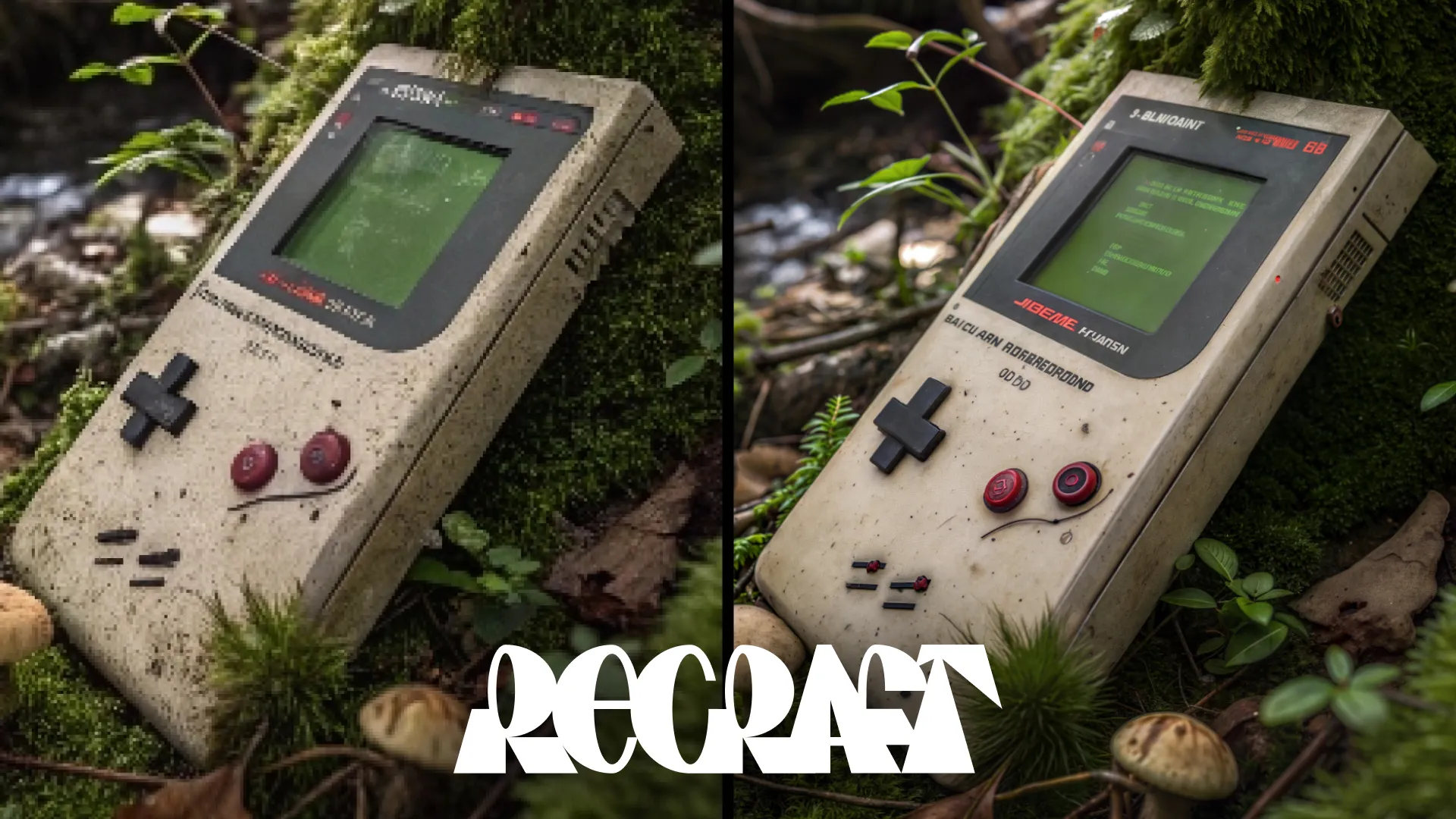
Designed to make images sharper and cleaner, Crisp Upscale increases overall quality, making visuals suitable for web use or print-ready materials.
Updated 6 months, 3 weeks ago
5.7M runs
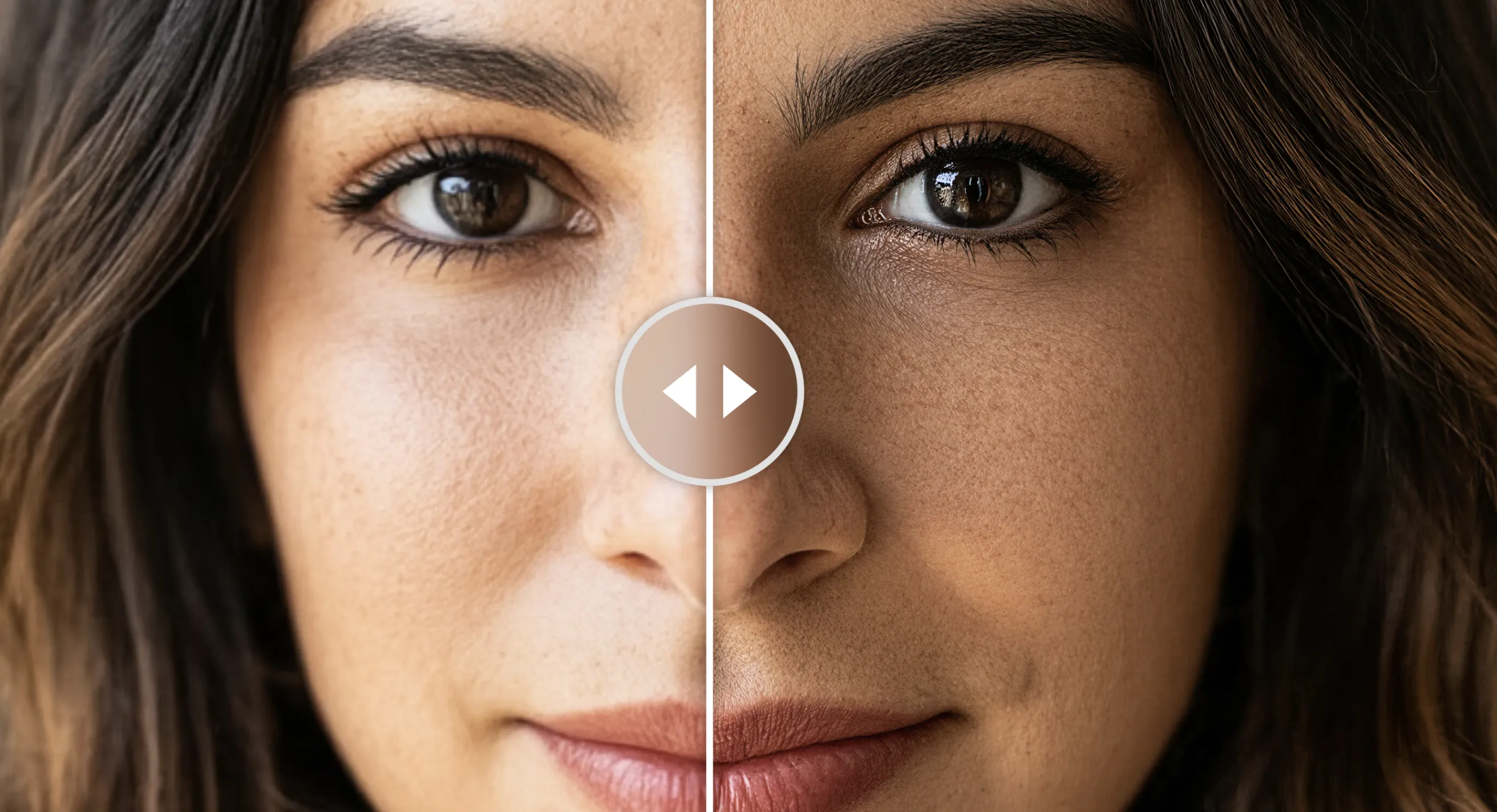 philz1337x/crystal-upscaler
High-precision image upscaler optimized for portraits, faces and products. One of the upscale modes powered by Clarity AI. X:https://x.com/philz1337x
Updated 10 months, 2 weeks ago
1.3M runs
 topazlabs/image-upscale
Professional-grade image upscaling, from Topaz Labs
Updated 1 year, 5 months ago
3.6M runs
Recommended Models
Frequently asked questions
Which upscaler should I start with?
topazlabs/image-upscale is the most versatile option. It has five specialized models for different content types (general, low-res, CGI, high fidelity, text) and supports up to 6x scaling with face enhancement. If you're not sure which upscaler to use, start here.
Which models are the fastest?
prunaai/p-image-upscale upscales to 4MP in under a second. google/upscaler is also fast for simple 2x/4x upscaling with minimal configuration.
For budget batch work, nightmareai/real-esrgan runs fast on cheaper GPUs.
What works best for faces and portraits?
philz1337x/crystal-upscaler is optimized specifically for portraits — it preserves skin texture and facial identity without the plastic look. For face restoration before upscaling, pair with tencentarc/gfpgan or sczhou/codeformer.
What's the difference between restorative and creative upscalers?
Restorative upscalers (like recraft-ai/recraft-crisp-upscale, topazlabs/image-upscale) focus on sharpening and accurately enlarging the input — they don't add details that aren't there.
Creative upscalers (like recraft-ai/recraft-creative-upscale) enhance textures, fine details, and facial features beyond what's in the original. Better for AI-generated art, worse for documentary or archival work.
Can I use these models for commercial work?
Yes — most upscaling models support commercial use. Check the license on each model page, especially for academic models which may have research-only clauses.
Tips for best results
- Start with the highest quality input you have — upscalers enhance detail but can't create it from nothing.
- For old photos, restore faces first with tencentarc/gfpgan, then upscale.
- Upscaling large images (4K+) takes more compute and costs more — don't upscale beyond what you need.
- For print work, recraft-ai/recraft-crisp-upscale produces clean, print-ready results.