FLUX family of models
The FLUX family from Black Forest Labs covers everything from fast prototyping to premium image generation and editing. Run any of these models with one line of code.
FLUX 2 — Latest generation
FLUX.2 Max
The highest-fidelity model in the FLUX family. Use it for:
- Product photography and e-commerce imagery
- Character consistency across batches (up to 8 reference images)
- Precise color control with hex codes
- Cinematic key frames and 3D view generation
FLUX.2 Pro
High-quality generation and editing at a lower price than Max. Good for:
- Structured JSON prompting for precise control over camera, lighting, and composition
- Multi-reference editing with up to 8 images
- High-volume production work
- Text rendering and infographics
FLUX.2 Flex
The typography and design specialist. Good for:
- Clean text, captions, and complex layouts
- Memes, posters, infographics, and UI mockups
- Adjustable quality-speed tradeoff (1-50 steps)
- Up to 10 reference images for multi-image blending
FLUX.2 Klein 4B
Sub-second generation for production and real-time apps. Good for:
- Near real-time applications and live previews
- Consistent characters and products across batches (up to 5 reference images)
- Text rendering and spatial reasoning
- Running on consumer hardware
Image editing
FLUX Kontext Pro & Max
Text-based image editing — describe what you want changed and it happens. Good for:
- Style transfer (photo → watercolor, oil painting, sketch)
- Changing clothing, hair, backgrounds, and objects
- Replacing text in signs and labels
- Character consistency across edits
Try Kontext Pro → · Try Kontext Max →
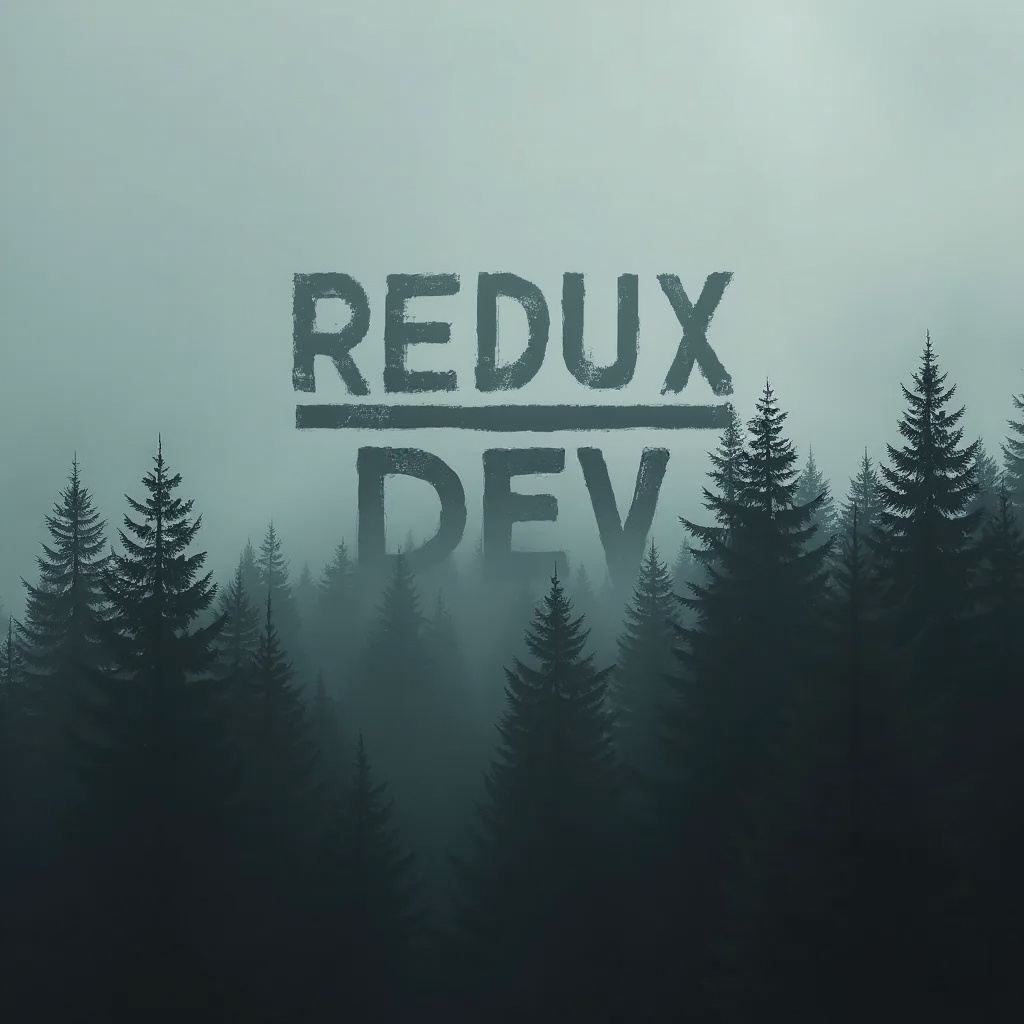
FLUX.1 Fill, Depth & Canny
Structure-preserving editing tools:
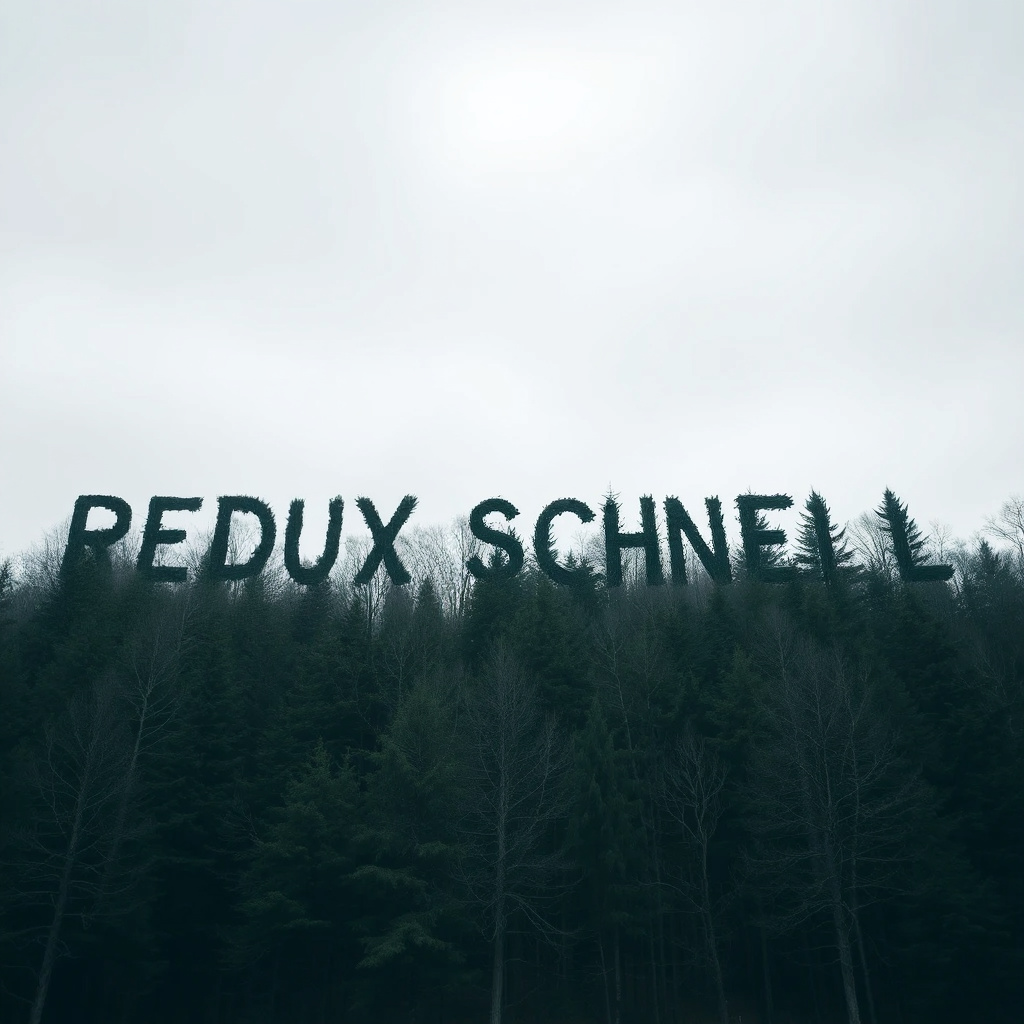
- FLUX.1 Fill — inpainting and outpainting, removing or replacing objects
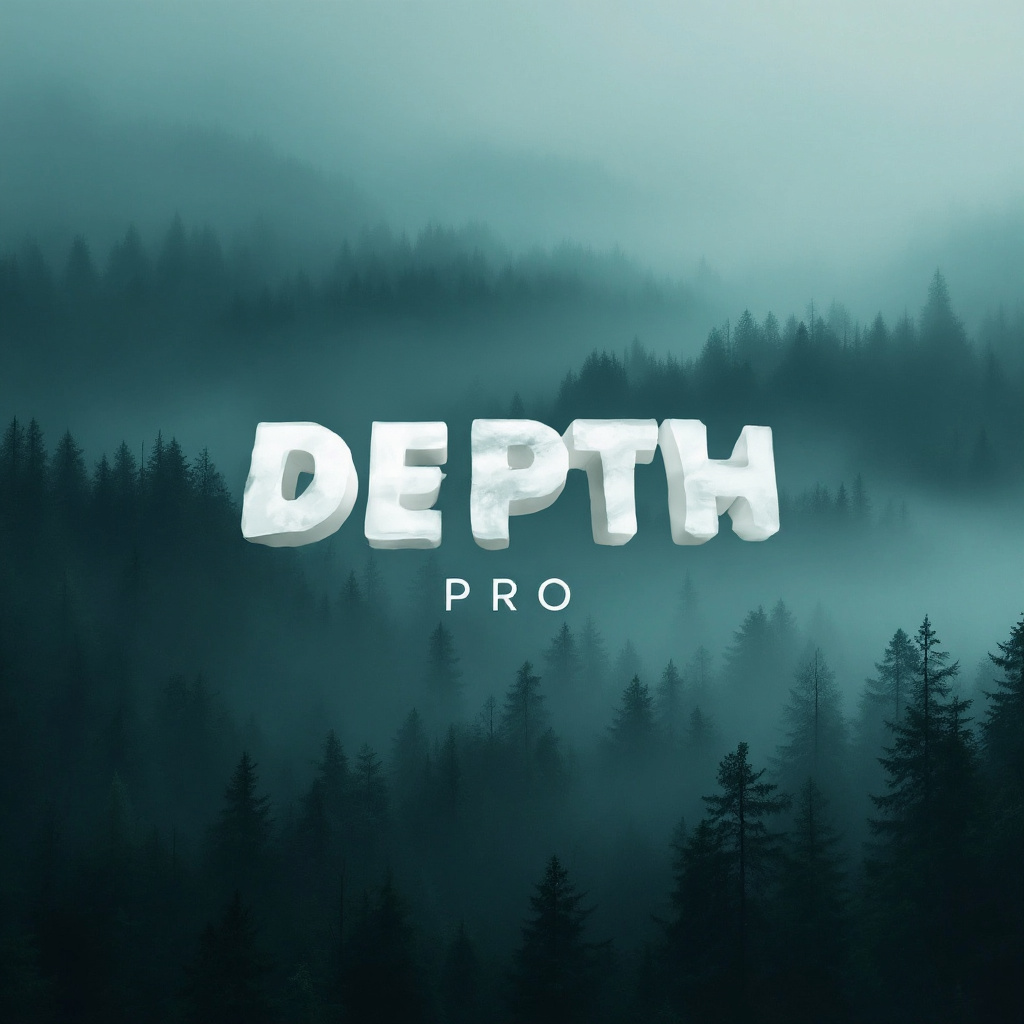
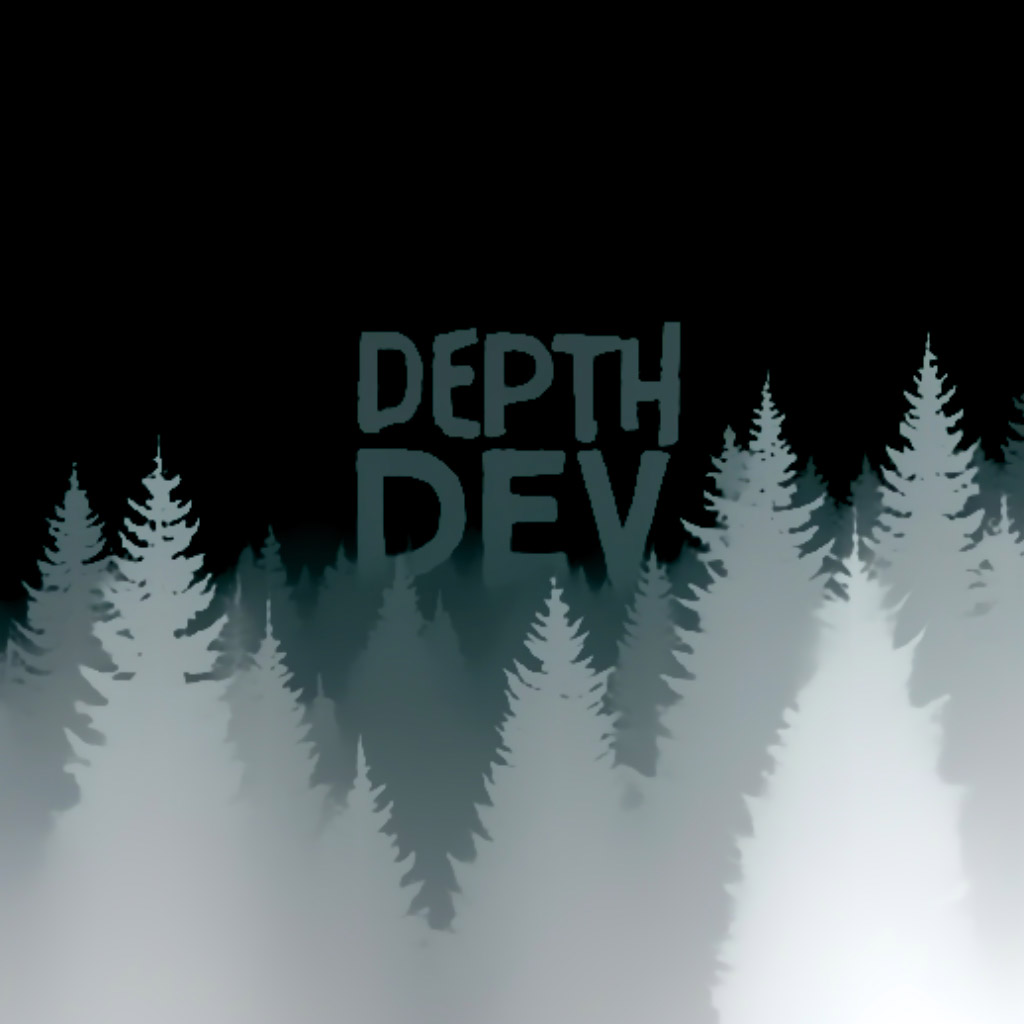
- FLUX.1 Depth — retexturing while keeping 3D relationships
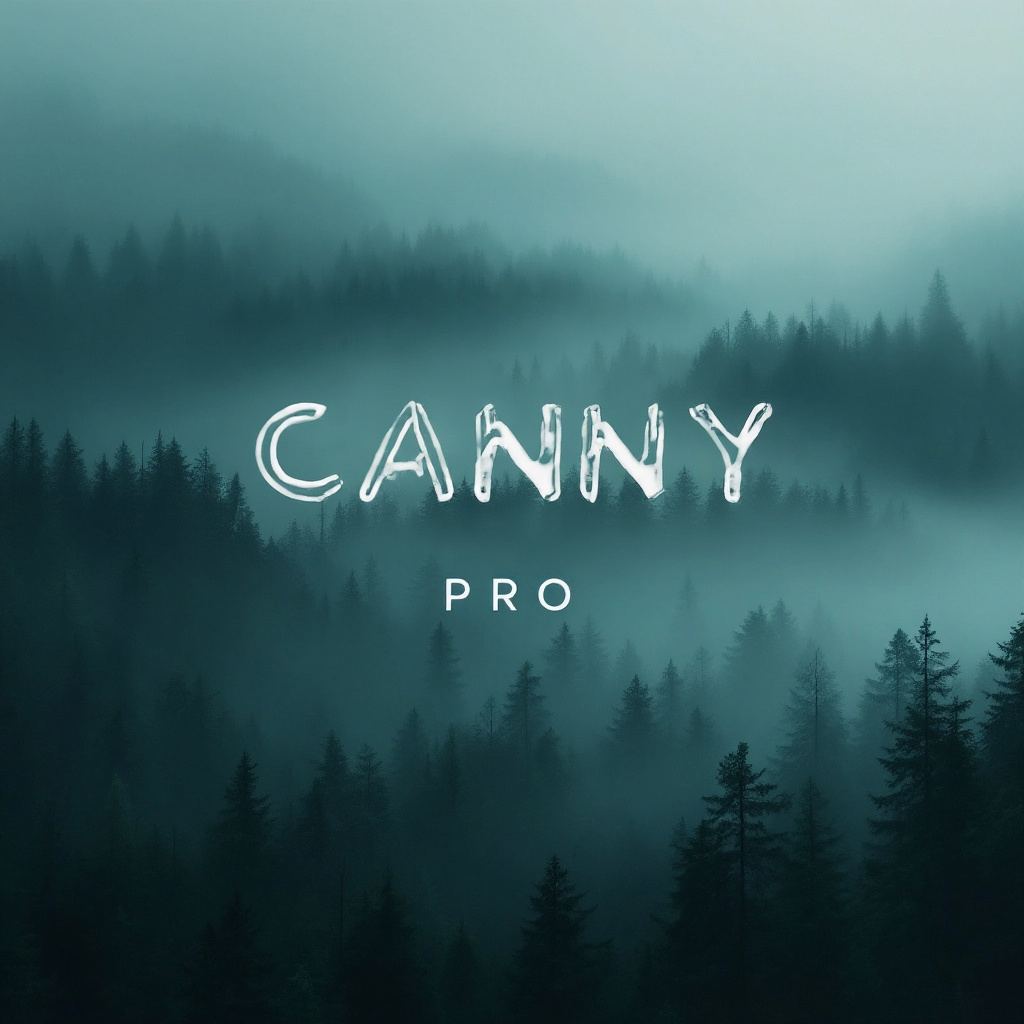
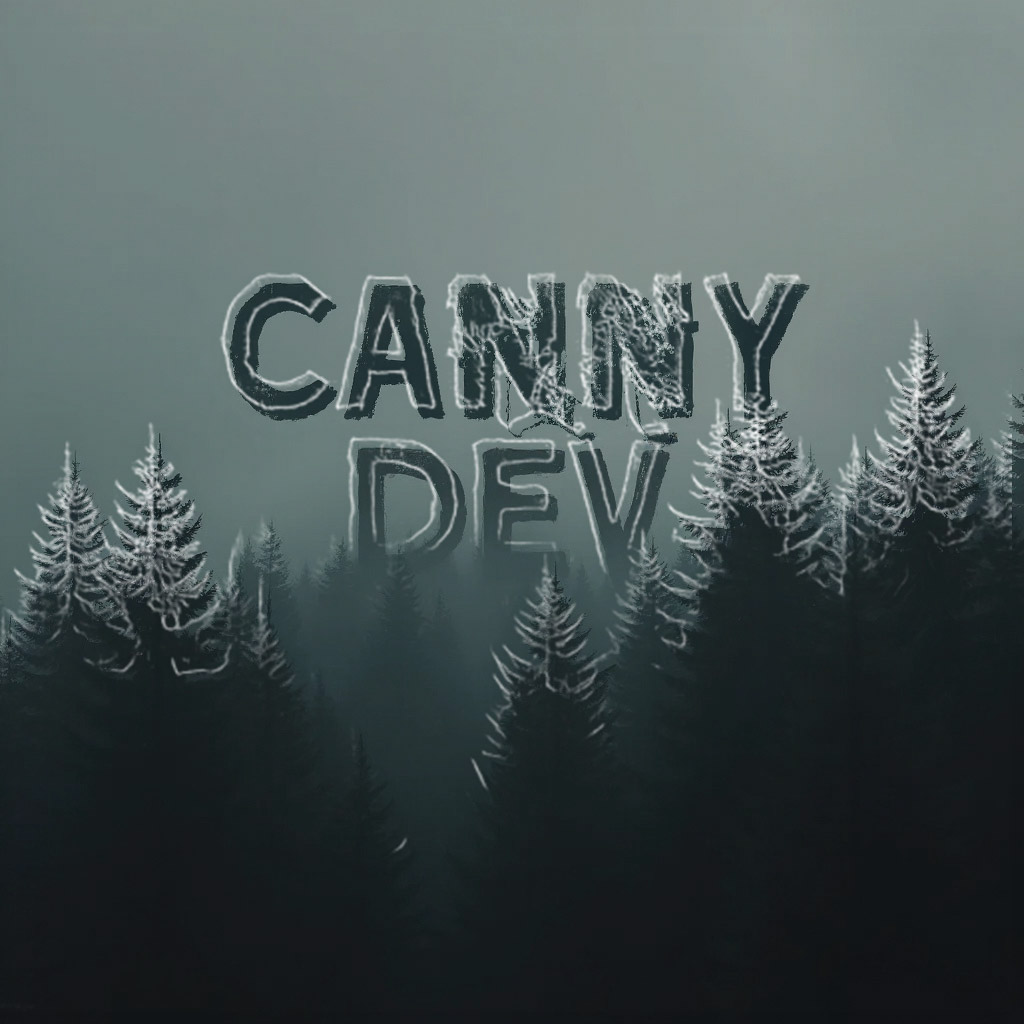
- FLUX.1 Canny — edge-preserving style transfer and sketch-to-image
Previous generation
These older models are still useful for specific workflows:
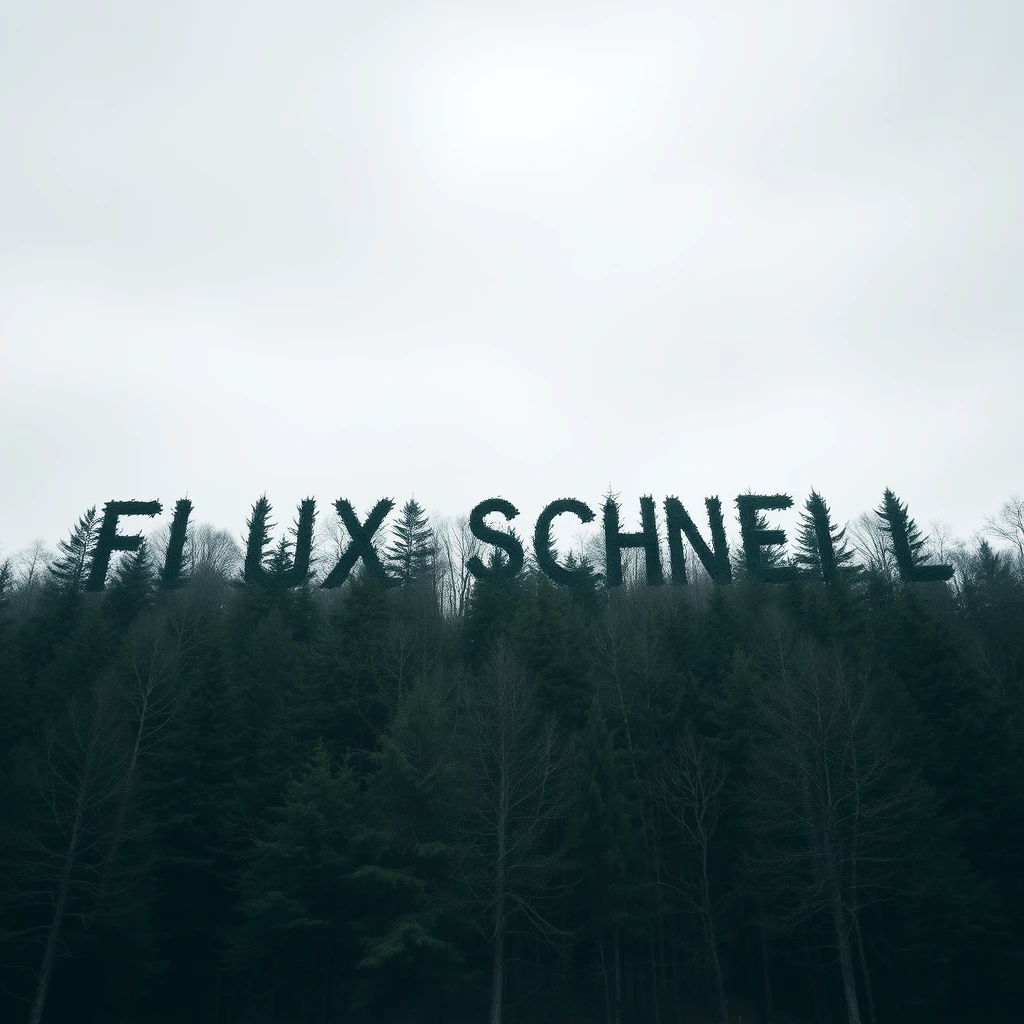
- FLUX.1 Schnell — the fastest FLUX model, great for real-time apps and quick iteration
- FLUX.1 Dev — open-source 12B parameter model for learning, prototyping, and self-hosting
- FLUX1.1 Pro Ultra — up to 4 megapixel images with "raw" mode for natural realism
Make it your own
Fine-tune FLUX models with your own images to create consistent characters, match your brand style, or build specialized generators.
Try it out
Compare FLUX models side by side in the playground.
Questions? Join us on Discord.
Featured models

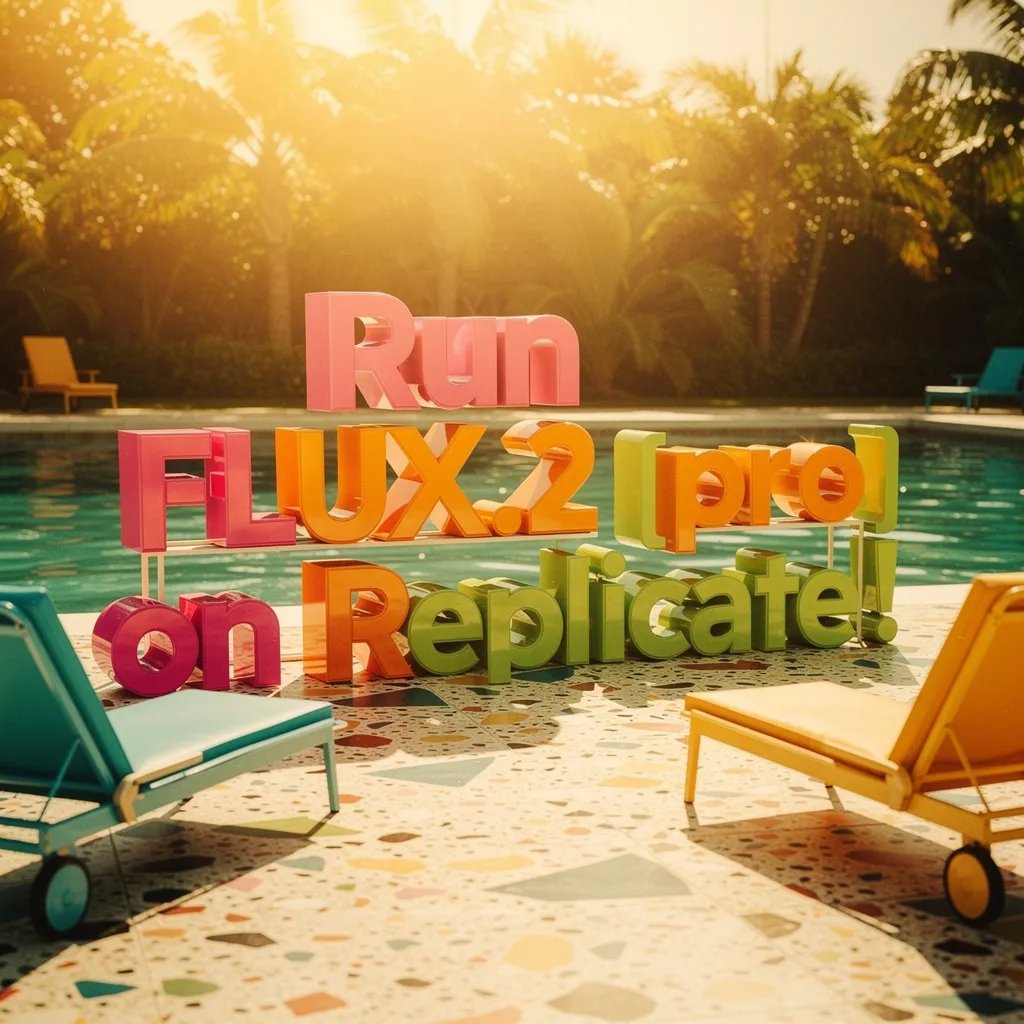
 black-forest-labs/flux-2-flex
Max-quality image generation and editing with support for ten reference images
Updated 5 months ago
490.7K runs
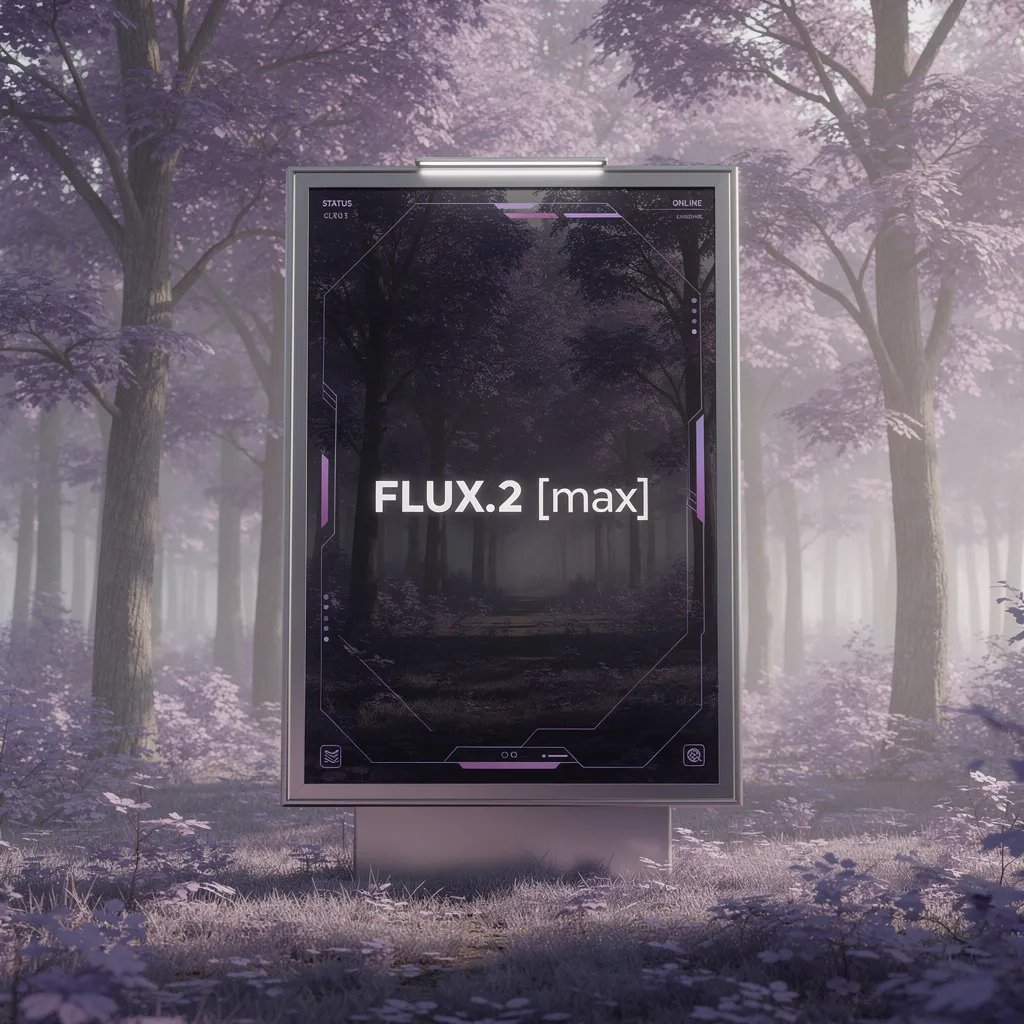
 black-forest-labs/flux-2-pro
High-quality image generation and editing with support for eight reference images
Updated 6 months, 2 weeks ago
11.8M runs
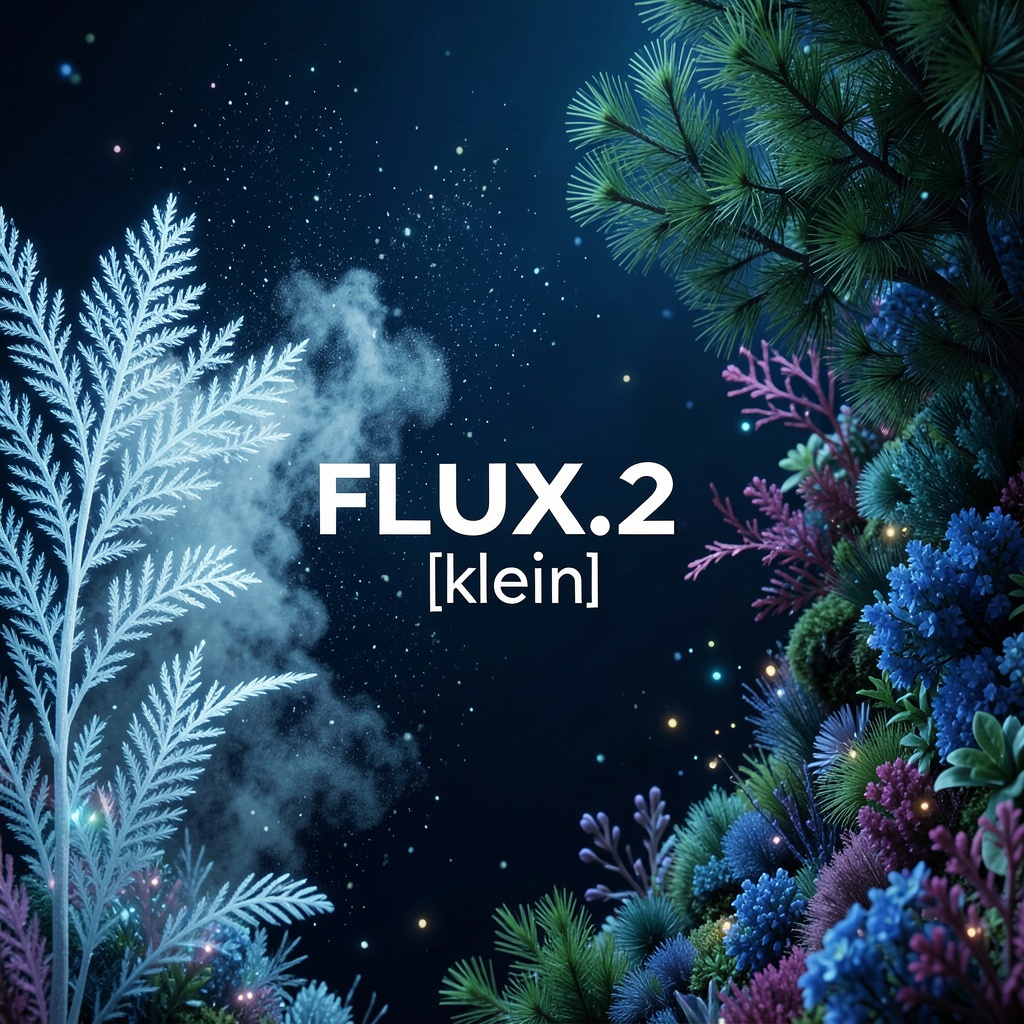
 black-forest-labs/flux-2-max
The highest fidelity image model from Black Forest Labs
Updated 6 months, 3 weeks ago
4.2M runs
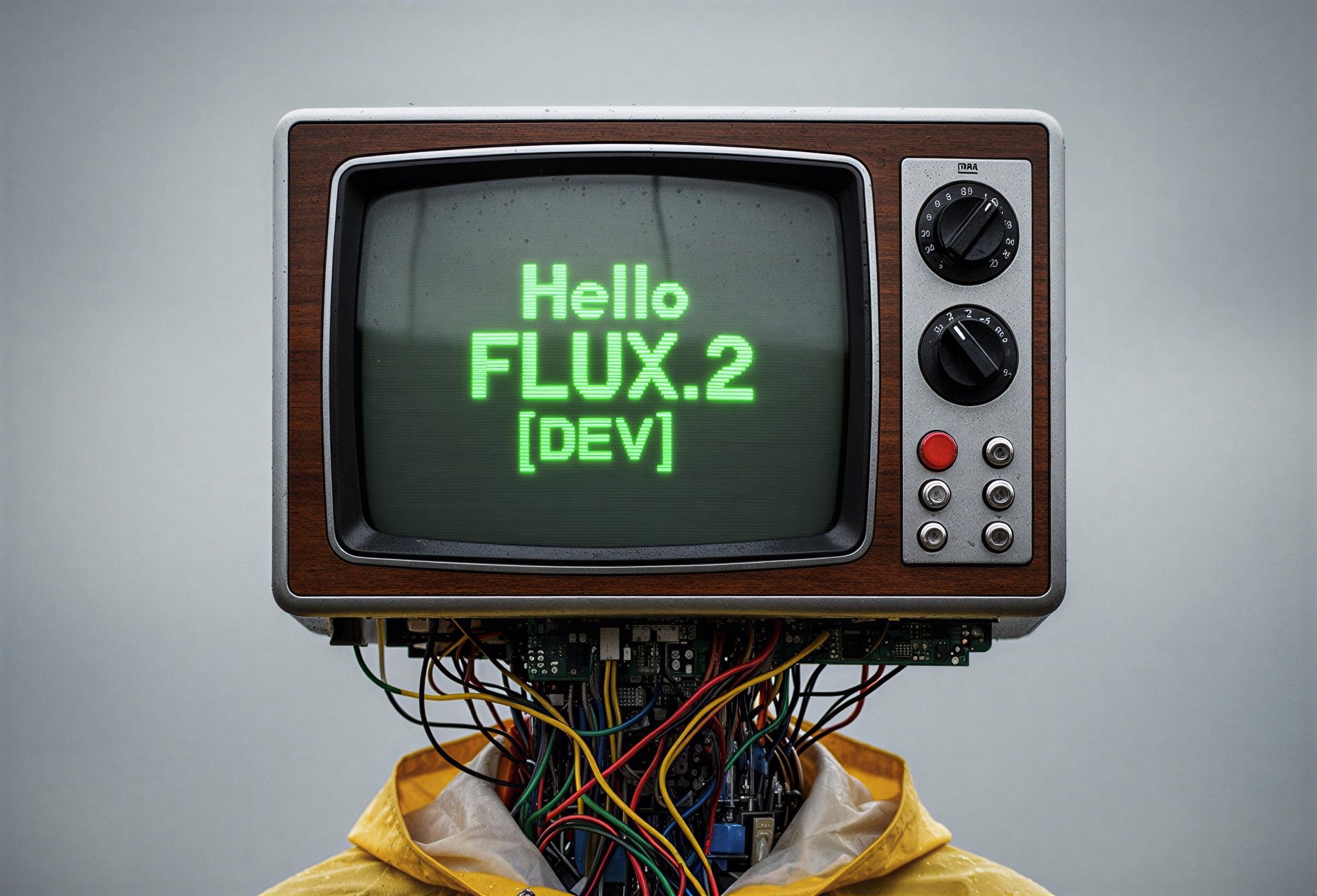
 black-forest-labs/flux-2-klein-4b
Very fast image generation and editing model. 4 steps distilled, sub-second inference for production and near real-time applications.
Updated 8 months, 3 weeks ago
34.1M runs
 black-forest-labs/flux-2-dev
Quality image generation and editing with support for reference images
Updated 10 months, 2 weeks ago
4.6M runs
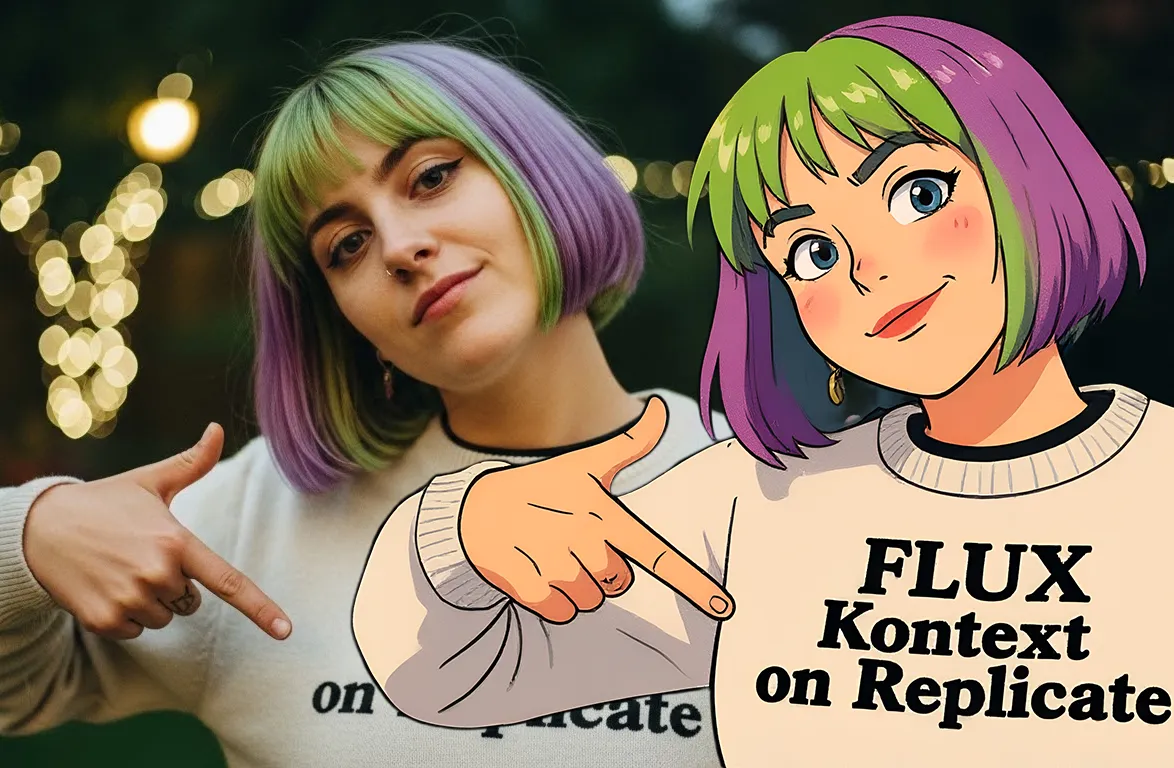 black-forest-labs/flux-kontext-pro
A state-of-the-art text-based image editing model that delivers high-quality outputs with excellent prompt following and consistent results for transforming images through natural language
Updated 10 months, 3 weeks ago
54.1M runs
Recommended Models
Frequently asked questions
Which FLUX model should I start with?
For most people, black-forest-labs/flux-2-pro is the best starting point. It delivers high-quality images with strong prompt adherence, supports up to 8 reference images, and handles both generation and editing. If you need the absolute highest fidelity, step up to black-forest-labs/flux-2-max.
Which models are the fastest?
black-forest-labs/flux-2-klein-4b generates images in sub-second time — it's a 4 billion parameter model distilled from the larger FLUX.2 base. Great for production apps and real-time use cases. black-forest-labs/flux-schnell is another fast option from the previous generation.
What works best for editing existing images?
black-forest-labs/flux-kontext-pro and black-forest-labs/flux-kontext-max let you edit images with natural language — change clothing, swap backgrounds, replace text, or transfer styles. For structure-preserving edits, use black-forest-labs/flux-fill-pro (inpainting), black-forest-labs/flux-depth-pro (depth-guided), or black-forest-labs/flux-canny-pro (edge-guided).
What's the best model for typography and text in images?
black-forest-labs/flux-2-flex is the typography specialist — it reliably renders clean text, captions, and complex layouts. black-forest-labs/flux-kontext-max also handles text well, especially for editing text within existing images.
What's the difference between FLUX 2 and FLUX 1?
FLUX 2 models (Max, Pro, Flex, Klein 4B) are the current generation with better image quality, multi-reference support, structured JSON prompting, and hex color control. FLUX 1 models (Schnell, Dev, 1.1 Pro Ultra) are the previous generation — still useful for speed (Schnell), open-source work (Dev), and large images (Pro Ultra), but FLUX 2 is better for most new projects.
Can I fine-tune FLUX models?
Yes. Use black-forest-labs/flux-pro-trainer to train a LoRA on your own images. You can also fine-tune Kontext models with replicate/fast-flux-kontext-trainer. Browse existing fine-tunes in the FLUX fine-tunes and Kontext fine-tunes collections.
Can I use FLUX models for commercial work?
Yes — most FLUX models are licensed for commercial use. Always check the license on the model page, particularly for the open-weight Dev models.
How do I get consistent characters across multiple images?
FLUX 2 models support multi-reference inputs. black-forest-labs/flux-2-max accepts up to 8 reference images and maintains character consistency across batches. black-forest-labs/flux-2-klein-4b supports up to 5 references for faster generation.