Create 3D content
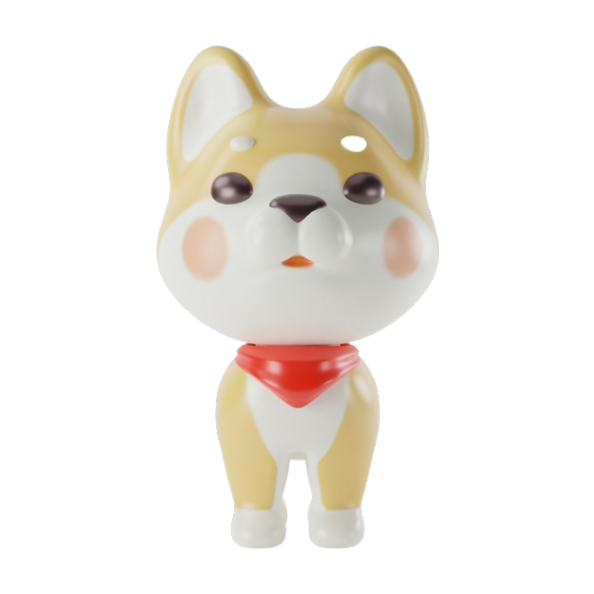
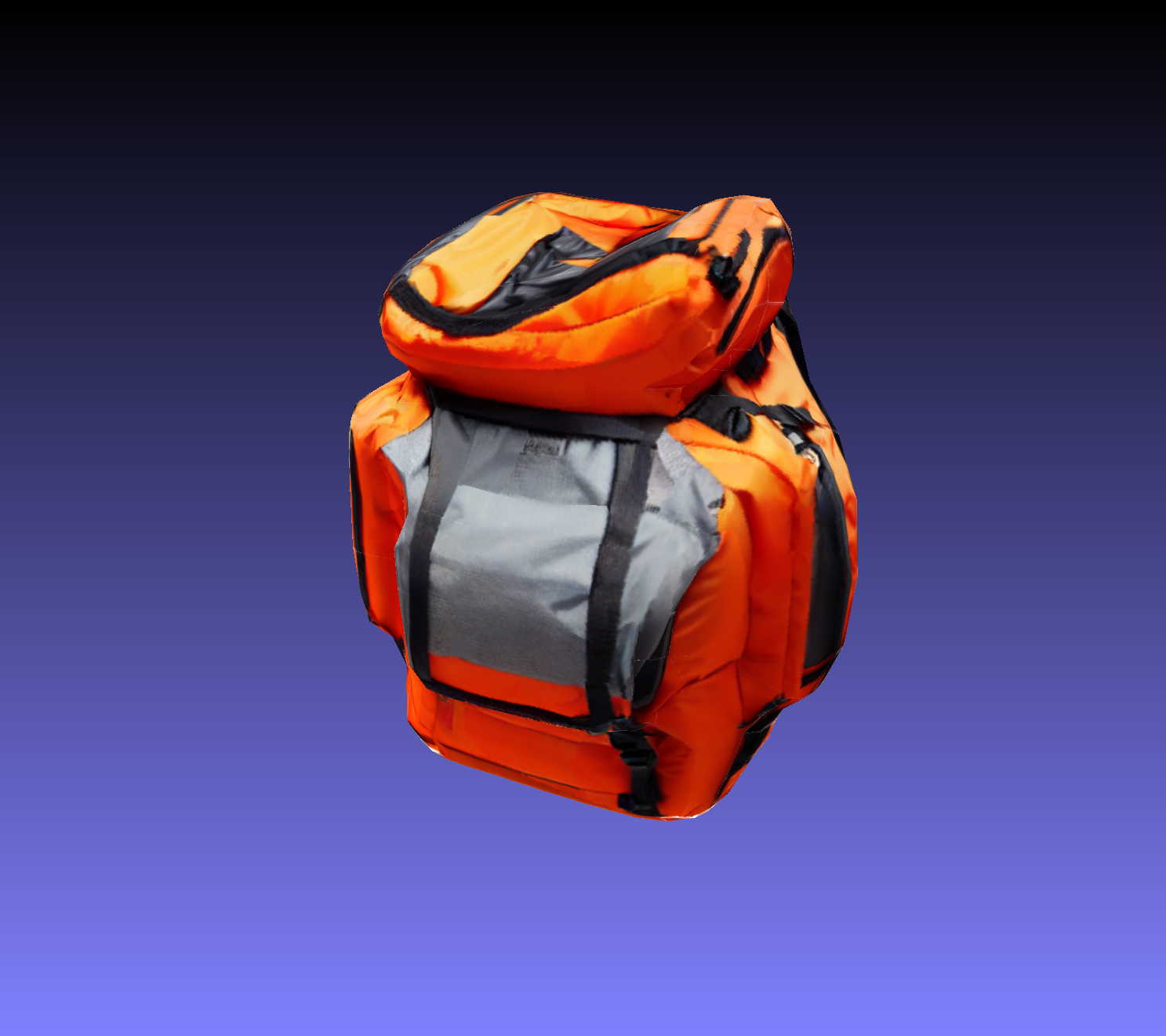
These models turn text prompts and images into 3D assets — meshes, textures, and full objects ready for game engines, 3D printing, and visualization tools.
- Image to 3D: Upload a reference image and get back a textured 3D mesh.
- Text to 3D: Describe what you want and generate a 3D object from scratch.
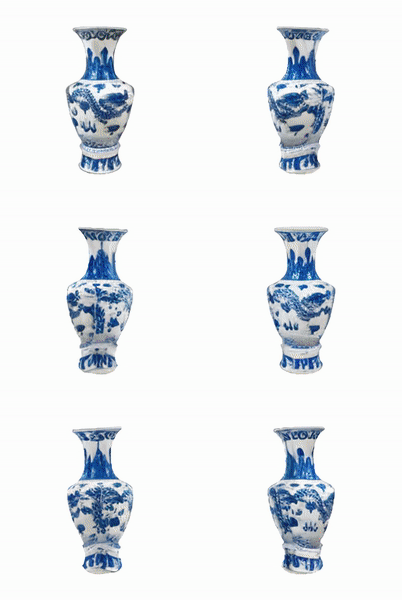
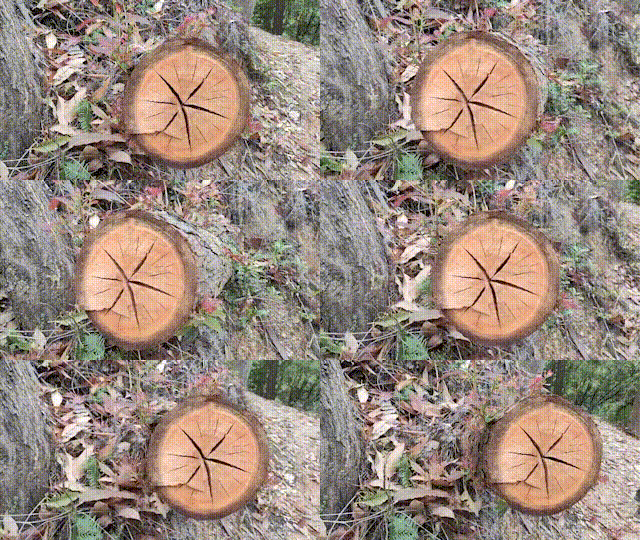
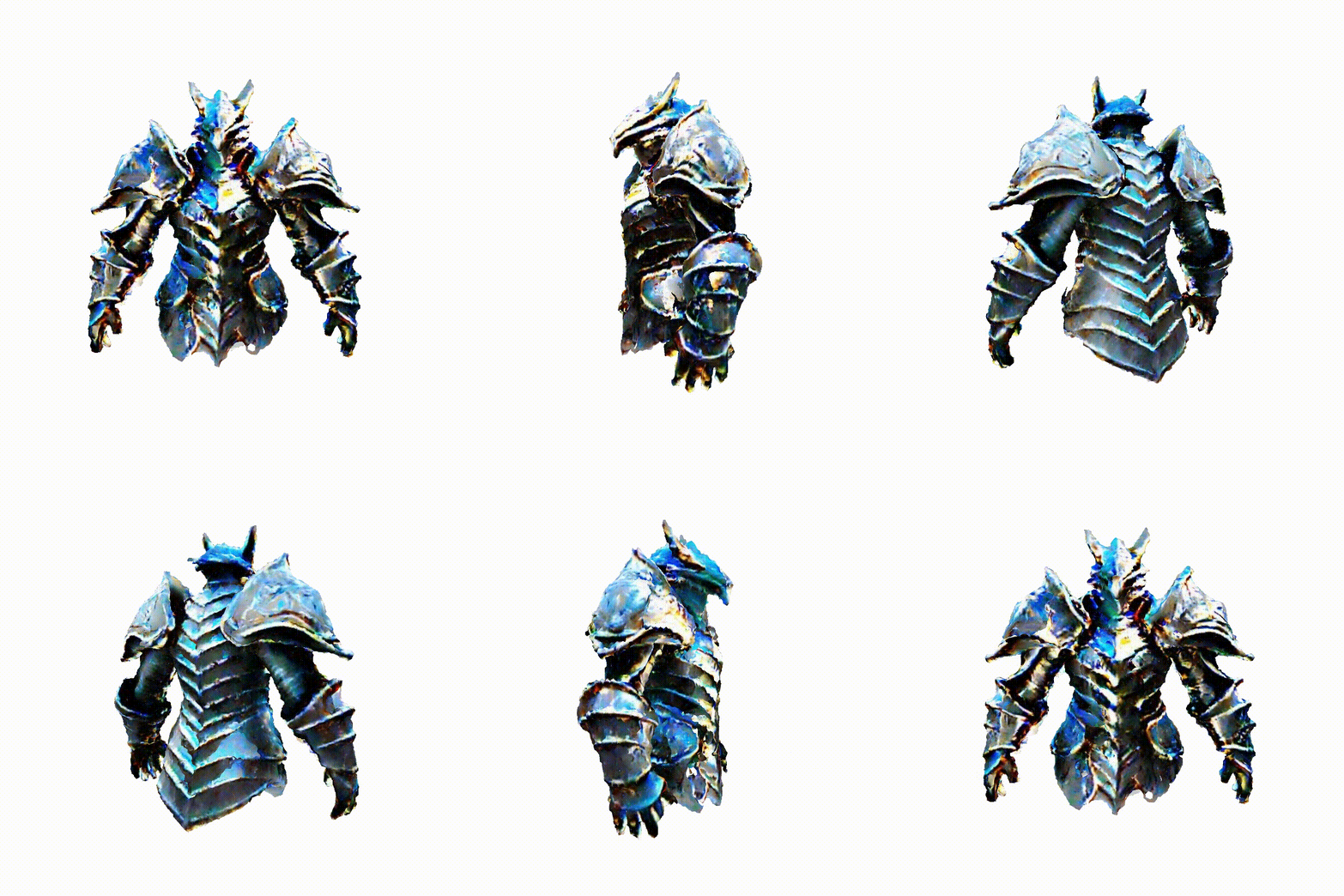
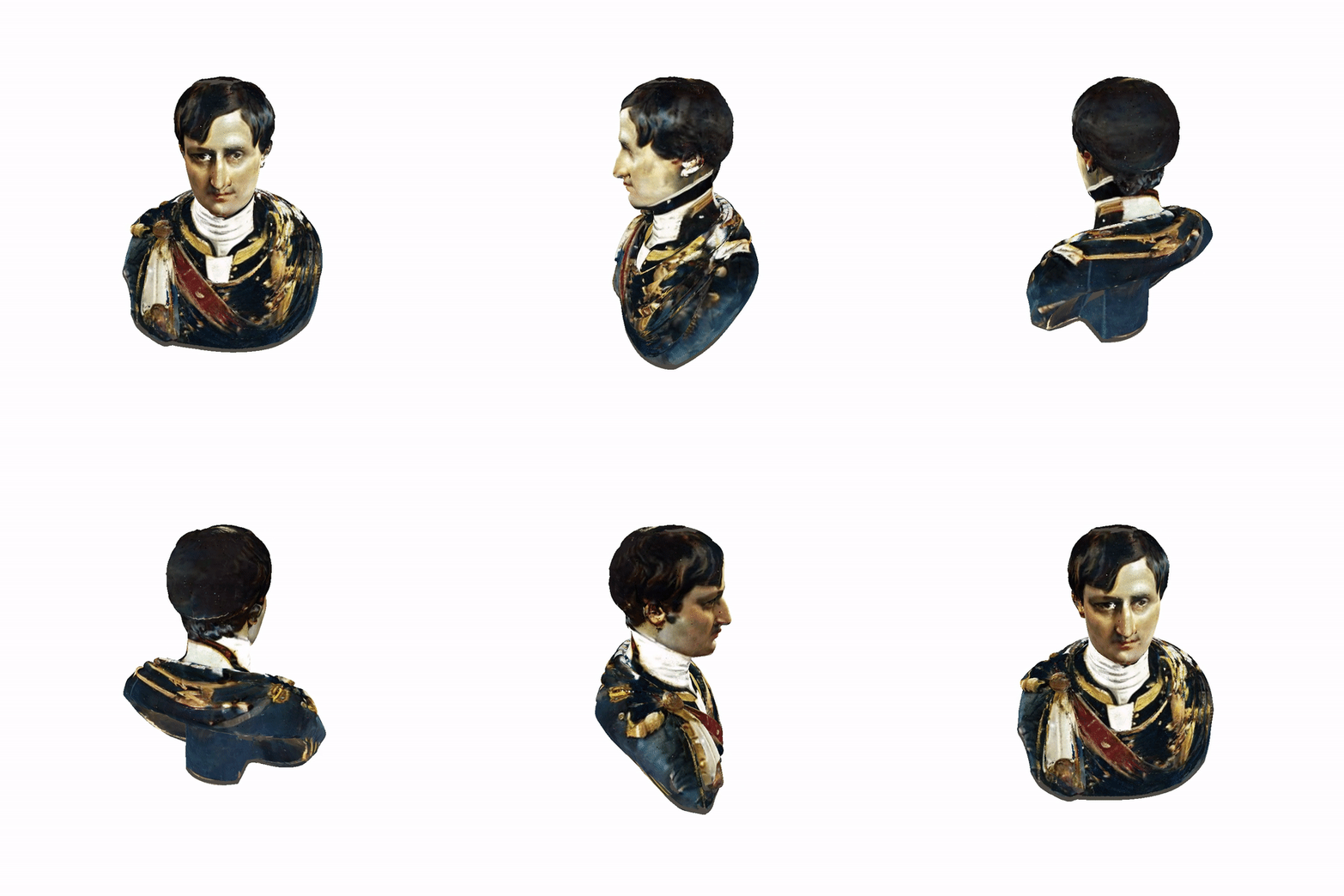
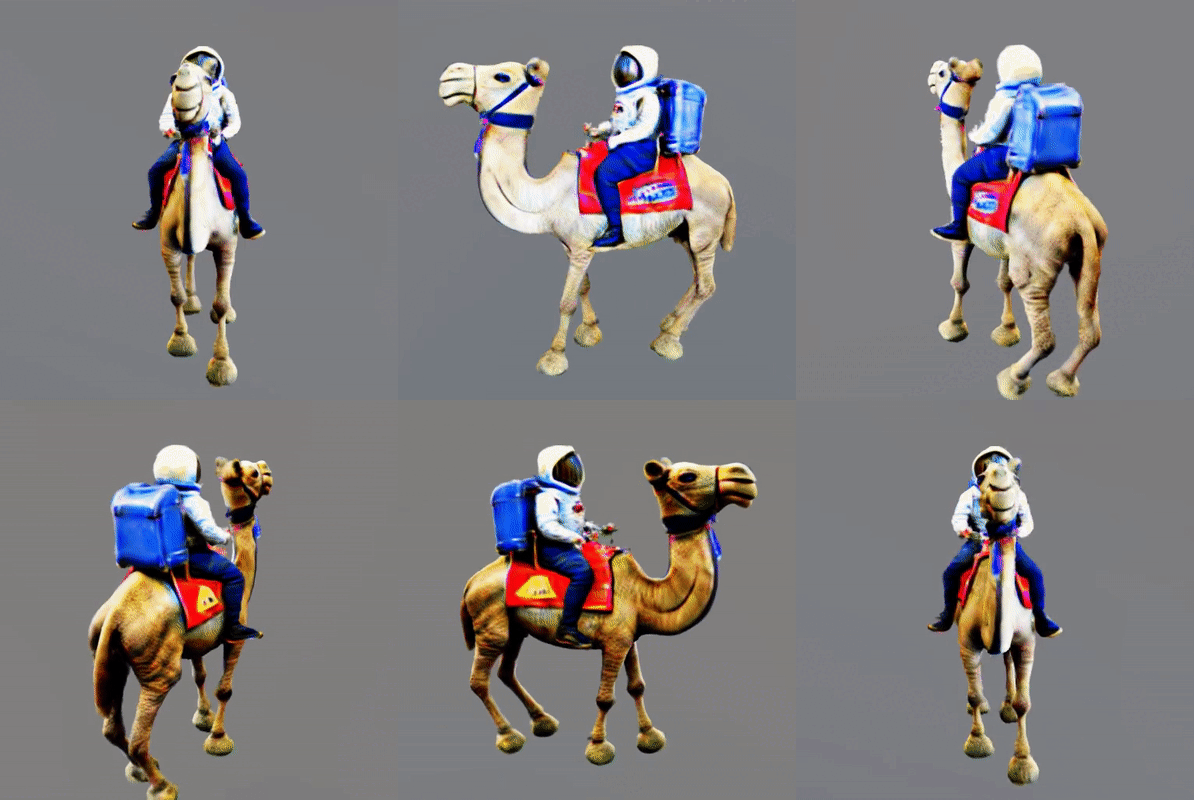
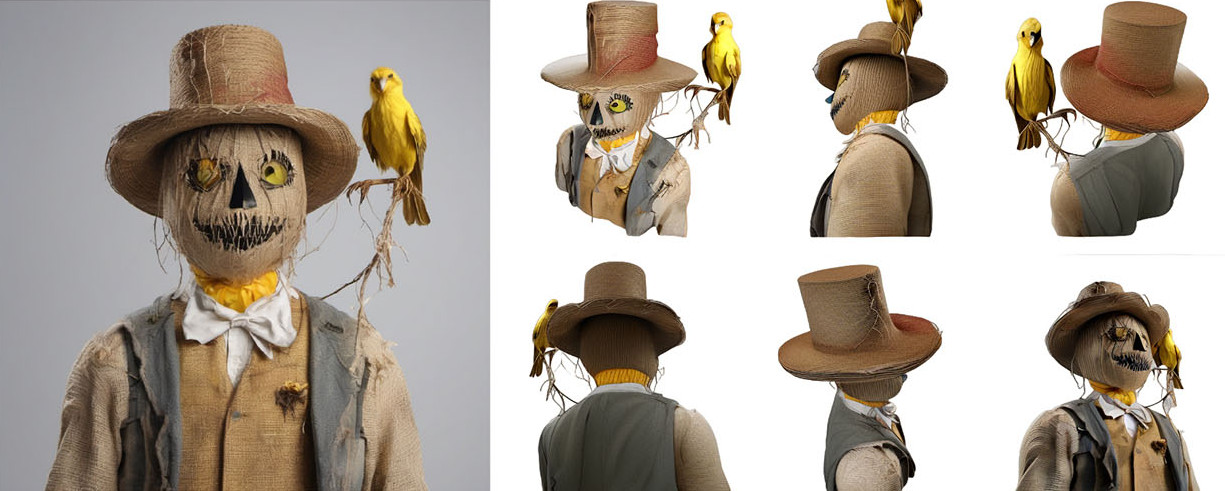
- Multi-view generation: Create consistent views of an object from multiple angles.
- Texturing: Generate PBR materials and textures for existing meshes.
Our pick: Hunyuan 3D 3.1
Tencent's Hunyuan 3D 3.1 is the best all-around model for 3D generation right now. It handles both text and image inputs, produces detailed geometry with configurable polygon counts (40K–1.5M faces), and generates PBR materials for realistic lighting. For a faster alternative optimized by PrunaAI, try prunaai/hunyuan3d-2.
For professional workflows that need multiple output formats (GLB, USDZ, FBX, OBJ, STL), Rodin Gen-2 accepts up to 5 reference images and offers quality presets from quick previews to high-fidelity production assets.
Don't have a reference image? Create one from a text prompt with our image generation models →
Featured models
 tencent/hunyuan-3d-3.1
3D models with texture fidelity and geometry precision
Updated 3 weeks, 1 day ago
139.4K runs
 fishwowater/trellis2
TRELLIS.2: Native and Compact Structured Latents for 3D Generation
Updated 9 months, 1 week ago
3.6K runs
 hyper3d/rodin
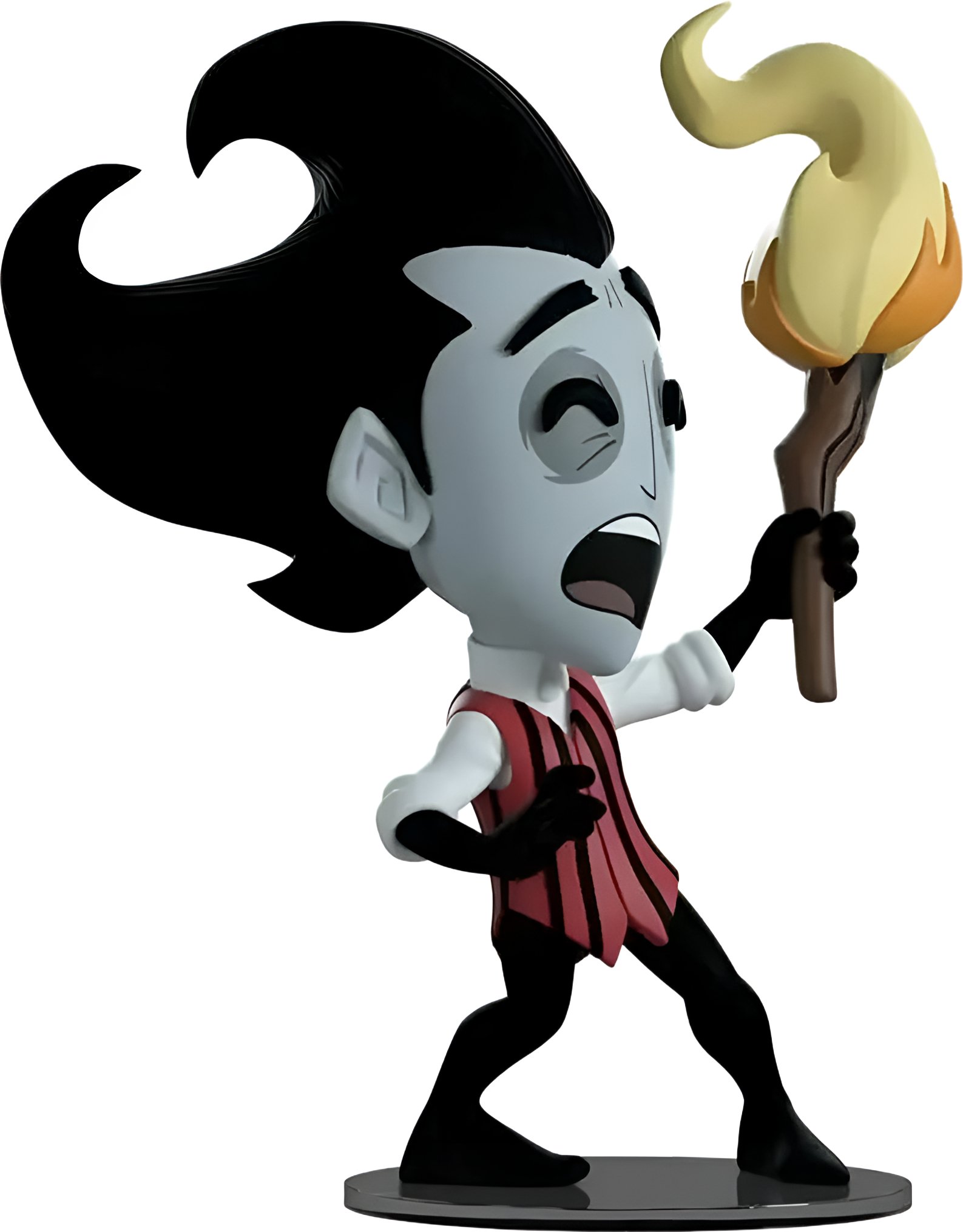
Generate complex 3D models from images with Rodin Gen-2
Updated 10 months, 2 weeks ago
16.1K runs
 firtoz/trellis
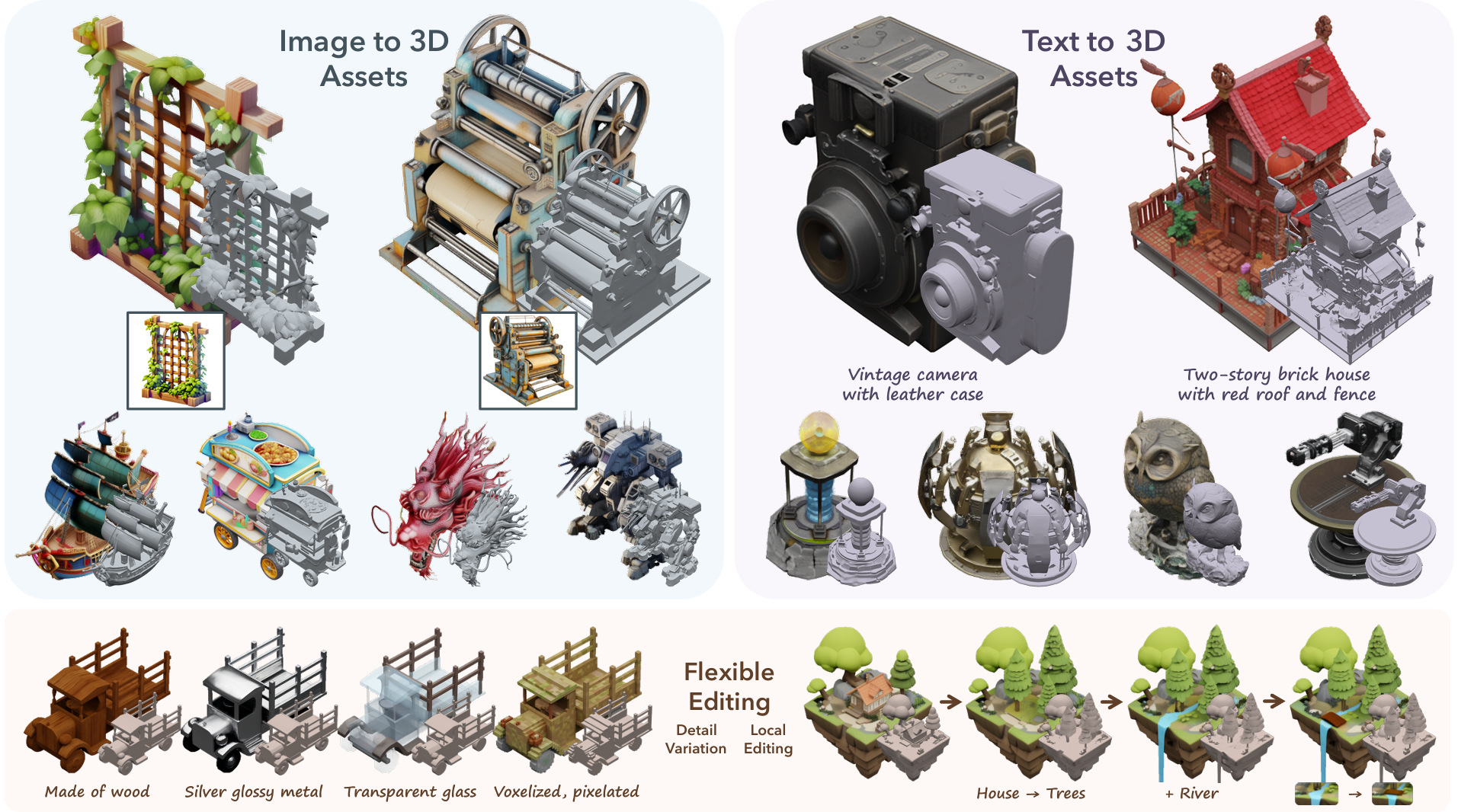
A powerful 3D asset generation model
Updated 1 year, 4 months ago
917K runs
 prunaai/hunyuan3d-2
hunyuan3d-2 optimised with the pruna toolkit: https://github.com/PrunaAI/pruna
Updated 1 year, 5 months ago
8.8K runs
Recommended Models
Frequently asked questions
Which model should I start with?
For most use cases, tencent/hunyuan-3d-3.1 is the best starting point. It accepts both text prompts and images, produces high-quality textured meshes, and lets you dial in the polygon count for your target platform.
If you're working from a single reference image and want fast results, firtoz/trellis and fishwowater/trellis2 are both excellent — TRELLIS 2 is the newer version with a 4 billion parameter model and improved PBR materials.
Which models are the fastest?
firtoz/trellis can turn a single image into a 3D object in under a minute. prunaai/hunyuan3d-2 is optimized for speed with a "Juiced" mode for fast processing.
For quick previews, hyper3d/rodin has an "extra-low" quality setting that generates results fast.
What works best for creating 3D objects from images?
tencent/hunyuan-3d-3.1, firtoz/trellis, and fishwowater/trellis2 all work well for single-image-to-3D. Upload a clear, well-lit photo of your object and you'll get a textured mesh back.
For multi-angle input, hyper3d/rodin accepts up to 5 images for more accurate reconstruction. tencent/hunyuan3d-2mv is specifically designed for multi-view controlled generation with front/back/left/right images.
What works best for text-to-3D generation?
tencent/hunyuan-3d-3.1 and hyper3d/rodin both accept text prompts directly. They're great for prototyping objects when you don't have a reference image.
What output formats are available?
Most models output .glb files, which work in Blender, Unity, Unreal Engine, and web viewers. hyper3d/rodin also supports .usdz (Apple AR), .fbx, .obj, and .stl (3D printing).
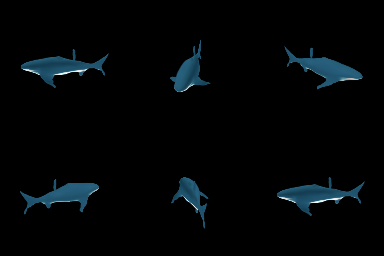
Many models also output preview videos showing the object rotating, so you can check the result before downloading the mesh.
Can I control the mesh quality and polygon count?
Yes. tencent/hunyuan-3d-3.1 lets you set the face count from 40K to 1.5M faces. prunaai/hunyuan3d-2 offers octree resolution settings and face count control. hyper3d/rodin has quality presets from extra-low to high, plus Quad mesh mode for cleaner topology.
Do these models generate textures and materials?
The newer models — tencent/hunyuan-3d-3.1, fishwowater/trellis2, and hyper3d/rodin — all generate PBR (physically based rendering) materials that look realistic under different lighting conditions.
For adding textures to existing meshes, adirik/text2tex and adirik/texture can generate texture maps from text descriptions.
Tips for getting good results
- Use a clear, well-lit reference image with the object centered and the background uncluttered.
- Avoid complex reflections or transparent objects — they confuse 3D reconstruction.
- For game-ready assets, generate at a lower polygon count and use PBR textures for surface detail.
- If you need precise geometry from multiple angles, use a multi-view model like hyper3d/rodin or tencent/hunyuan3d-2mv.